
Qwen Image 3.0 AI Image Generator
 Qwen Image 3.0 AI Image Generator
What Is Qwen Image 3.0?
The Next-Gen Real-World AI Image Creation & Multimodal Layout Studio
Qwen Image 3.0 is Alibaba's state-of-the-art foundational image generation model engineered for real-world productivity, high-density graphic layout, and multilingual visual precision. Built around the core philosophy of 'Real' (实), Qwen Image 3.0 excels at rendering structured compositions—such as editorial posters, multi-column infographics, technical product packaging, and user interface mockups—in a single generation pass. With support for long prompts up to 5,000 characters and up to 3 input reference images, Qwen Image 3.0 empowers online creators, digital marketers, and designers to produce studio-grade visuals directly on Bananai.
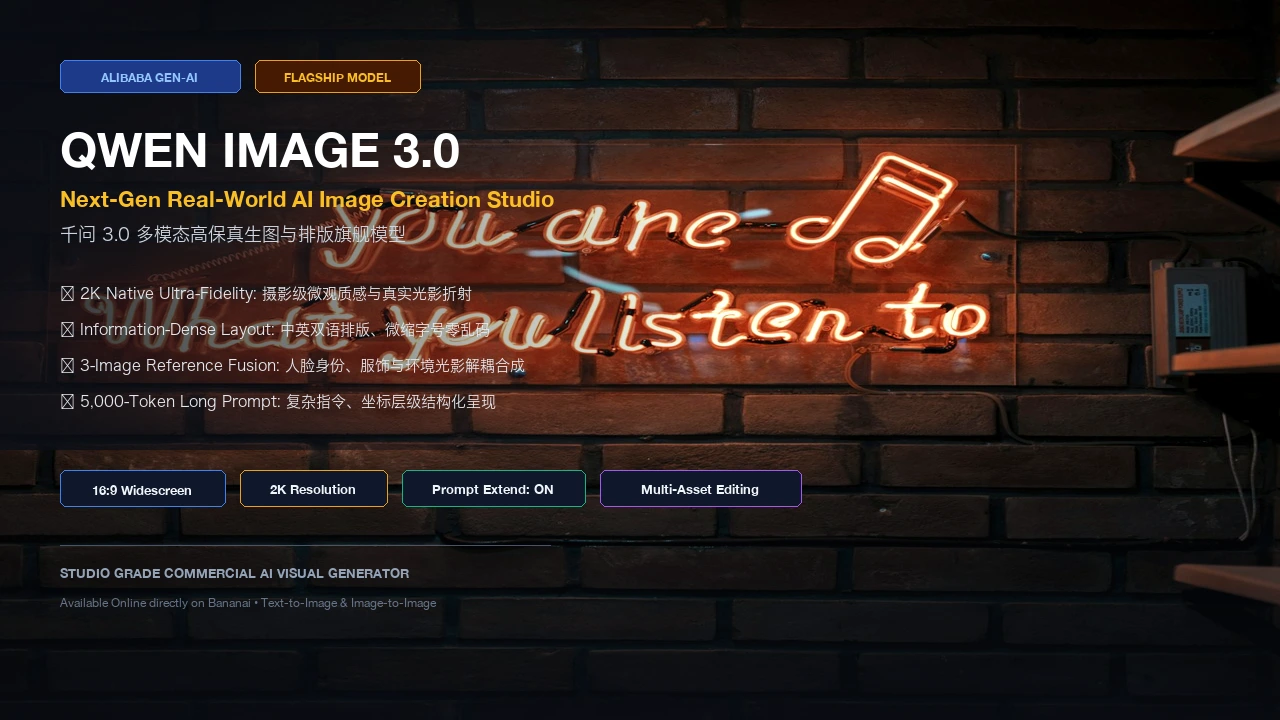
Three Pillars Behind Qwen Image 3.0 Generation Quality
Discover how Qwen Image 3.0 redefines AI image generation with information-dense layout synthesis, multi-reference coherence, and 2K high-fidelity rendering.
Qwen Image 3.0 Renders Dense Layouts & Sharp Multilingual Typography
Unlike traditional diffusion models that struggle with complex text and structured layouts, Qwen Image 3.0 features a dedicated typography and spatial composition engine. Qwen Image 3.0 renders readable headline banners, fine micro-copy down to 10px, dual-language Chinese and English copy, mathematical labels, and brand logotypes without distortion or letter scrambling. Whether designing an e-commerce catalog page, a scientific infographic, or a social marketing flyer, Qwen Image 3.0 handles dense visual elements effortlessly.
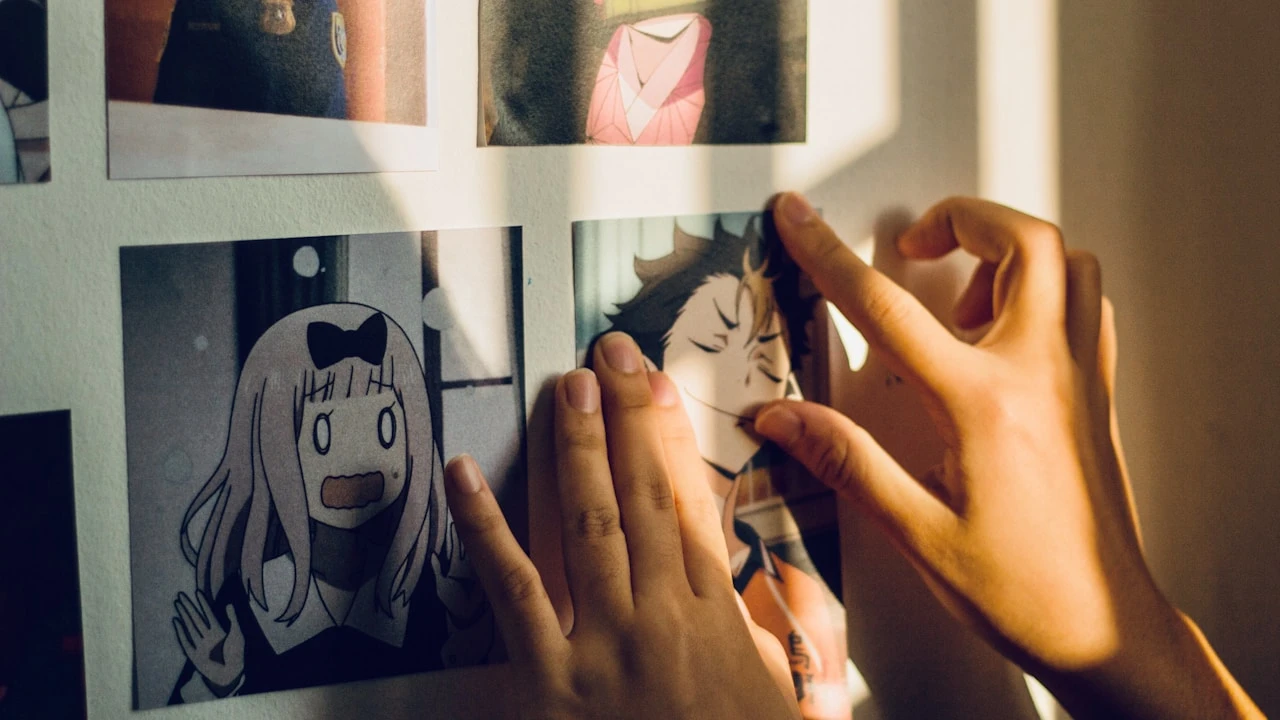
Qwen Image 3.0 Unifies Multi-Image References into Cohesive Scenes
With multi-image input support, Qwen Image 3.0 accepts up to 3 reference images in image-to-image workflows. Qwen Image 3.0 intelligently decouples facial identity, apparel styling, background architecture, and lighting mood across your uploaded assets. You can instruct Qwen Image 3.0 to place a specific character from Image 1 into the scenic environment from Image 2 while adopting the color grading of Image 3, maintaining remarkable visual continuity across every creative campaign.
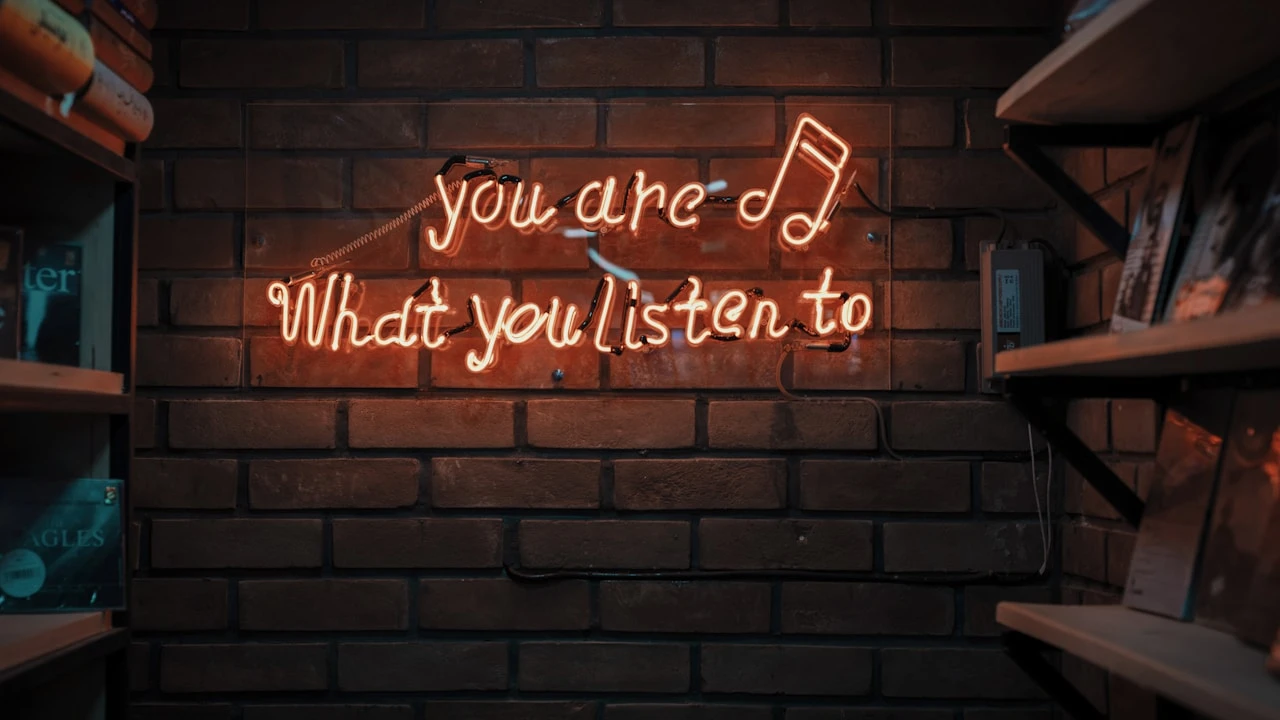
Qwen Image 3.0 Offers Dual 1K/2K Resolution & Smart Prompt Expansion
Qwen Image 3.0 provides flexible model tiers to balance iteration speed with commercial output quality. Use standard Qwen Image 3.0 for fast prototyping across 1K and 2K resolutions, or switch to Qwen Image 3.0 Pro for cinematic lighting, hyper-realistic skin textures, and intricate architectural detail. With built-in prompt enhancement (prompt_extend), Qwen Image 3.0 automatically enriches concise descriptions into rich visual prompts for optimal aesthetic balance.
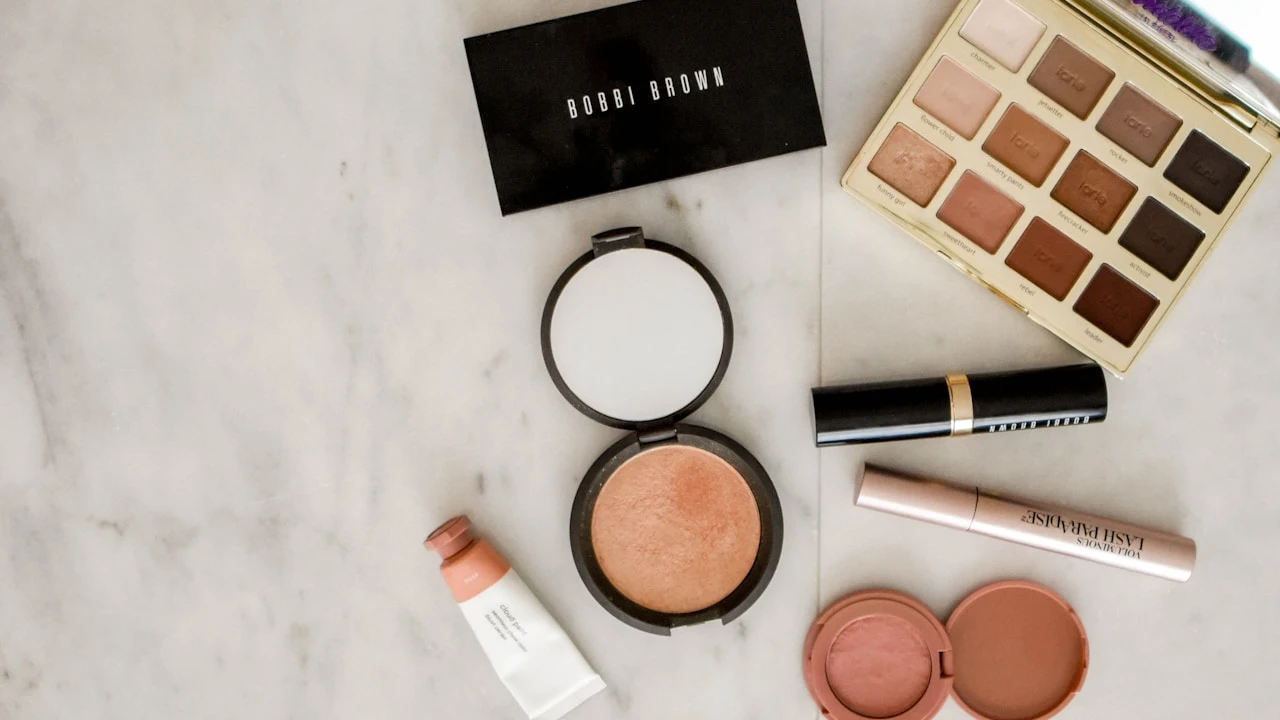
Choose Your Qwen Image 3.0 Creation Mode
Qwen Image 3.0 provides versatile generation workflows designed to solve distinct creative tasks—from blank-canvas prompt exploration to multi-asset brand design.
Qwen Image 3.0 Text-to-Image
Generate high-resolution visual artwork directly from descriptive text prompts. Qwen Image 3.0 interprets up to 5,000 characters of scene composition, color palettes, lighting direction, and multilingual text quotes across 8 flexible aspect ratios.
Best for editorial concept art, social media visuals, creative branding boards, advertising banners, and rapid ideation with Qwen Image 3.0.
Qwen Image 3.0 Multi-Image Editing
Transform uploaded visuals with reference-guided precision. Qwen Image 3.0 accepts 1 to 3 reference images to guide character identity, clothing style transfer, background replacement, and composite product photography.
Best for consistent character series, product commercial staging, visual style matching, and composite scene editing in Qwen Image 3.0.
Qwen Image 3.0 Pro 2K Studio
Unlock maximum photographic realism and micro-detail with Qwen Image 3.0 Pro. Experience enhanced skin pore fidelity, realistic fabric weaves, nuanced reflections, and complex typographic alignment up to 2K resolution.
Best for print-ready commercial campaigns, packaging design, luxury product packshots, and high-impact key visuals created with Qwen Image 3.0.
How to Generate AI Images with Qwen Image 3.0
Start creating professional graphics with Qwen Image 3.0 in four simple steps on Bananai.
1. Select your Qwen Image 3.0 model tier
Choose standard Qwen Image 3.0 for rapid design iterations or select Qwen Image 3.0 Pro for 2K ultra-fidelity commercial projects. You can also switch to Qwen Image 2.0 whenever needed.
2. Upload reference images (optional)
In image-to-image mode, upload 1 to 3 reference images to lock subject facial identity, transfer artistic styles, or guide scene composition in Qwen Image 3.0.
3. Write your prompt & typographic quotes
Describe your subject, environment, lighting, and camera angle. To render exact text with Qwen Image 3.0, wrap words in double quotation marks and tag uploaded files as Image 1, Image 2, or Image 3.
4. Choose ratio, resolution & generate
Select your target aspect ratio (16:9, 1:1, 9:16, 21:9, etc.) and resolution (1K or 2K), toggle prompt enhancement if desired, and let Qwen Image 3.0 generate your visual.
Qwen Image 3.0 Studio Specifications
Explore the official technical parameters, supported media formats, and resolution options available for Qwen Image 3.0 on Bananai.
1K & 2K Native Resolution
Qwen Image 3.0 delivers crisp 1K and true 2K high-definition output across all supported aspect ratios, ensuring professional visual clarity for digital and print media.
8 Flexible Aspect Ratios
Qwen Image 3.0 supports 1:1 square, 16:9 widescreen, 9:16 vertical, 4:3 classic, 3:4 portrait, 3:2 landscape, 2:3 vertical, and 21:9 cinematic ultra-wide framing.
5,000-Character Prompt Capacity
Write comprehensive production briefs with Qwen Image 3.0. Describe multi-paragraph layout directives, lighting schemes, and exact typographic placements with ease.
Up to 3 Reference Images
Upload up to 3 reference images (up to 10MB each in JPEG, PNG, WebP, BMP, GIF, or TIFF) for multi-asset style and character guidance in Qwen Image 3.0.
Smart Prompt Enhancement
Enable the prompt_extend toggle in Qwen Image 3.0 to automatically expand short briefs with photorealistic lighting, atmospheric depth, and textural nuance.
Negative Prompt & Seed Control
Specify unwanted elements with negative prompts up to 5,000 characters and set custom random seeds in Qwen Image 3.0 for exact visual reproducibility.
How to Write High-Impact Qwen Image 3.0 Prompts
Master the prompting structure of Qwen Image 3.0 to achieve precise layout composition, flawless multilingual typography, and photorealistic detail.
Structured Layout & Spatial Hierarchy
Specify the layout organization when using Qwen Image 3.0. Define top header banners, central product pedestals, left-hand data callouts, and bottom footer elements clearly.
Qwen Image 3.0 prompt template: [Overall layout style] + [Central focal subject] + [Surrounding informational elements] + [Background setting].
Exact Multilingual Text Rendering
Place exact words inside quotation marks (e.g., 'SUMMER SALE 2026' or '智能科技') and specify font weight, color, and location so Qwen Image 3.0 renders crisp typography.
Pro tip: Instruct Qwen Image 3.0 where to place headlines (e.g., 'large bold white text at top center reading "DISCOVER FUTURE"').
Multi-Reference Asset Tagging
In multi-image mode, refer to uploaded files by their sequence number (Image 1, Image 2, Image 3) to guide Qwen Image 3.0 on which visual attribute to inherit from each asset.
Example: 'Keep the face from Image 1, dress the subject in the jacket from Image 2, and use the studio lighting from Image 3 with Qwen Image 3.0.'
Lighting Mood & Material Textures
Describe lighting quality (soft diffuse studio light, dramatic rim light, golden hour sunshine) and realistic surfaces (brushed titanium, matte ceramic, frosted glass) for Qwen Image 3.0.
Qwen Image 3.0 renders nuanced physical textures when specific material properties are explicitly detailed.
Prompt Enhancement Configuration
Keep prompt_extend enabled in Qwen Image 3.0 for general creative concepts, or turn it off when you require strict deterministic compliance with exact prompt words.
Pro tip: Disabling prompt extension gives you 100% literal control over minimal minimalist layouts in Qwen Image 3.0.
Refining with Negative Prompts
Use the negative prompt field in Qwen Image 3.0 to eliminate unwanted artifacts such as blurry text, oversaturated neon, extra limbs, watermark stamps, or cluttered backgrounds.
Recommended negative prompt for Qwen Image 3.0: 'blurry text, distorted hands, low contrast, oversaturated, messy composition, duplicate objects.'
Where Qwen Image 3.0 Powers Creative Productivity
Explore how designers, marketing agencies, content creators, and e-commerce brands leverage Qwen Image 3.0 for daily production.
E-Commerce Product Packshots & Ads
Generate commercial product staging with Qwen Image 3.0. Render cosmetic bottles, electronics, and fashion items on aesthetic pedestals with crisp brand packaging typography.
Social Media Posters & Marketing Flyers
Create eye-catching event announcements, promotional flyers, and discount banners with Qwen Image 3.0, complete with readable headline text and modern layout hierarchy.
Bilingual & Cross-Border Brand Visuals
Produce marketing materials featuring both English and Chinese copy with Qwen Image 3.0. Maintain flawless typographic rendering across multinational advertising campaigns.
Infographics, Storyboards & UI Mockups
Generate multi-panel storyboards, scientific diagrams, and app UI interface concepts with Qwen Image 3.0. Structure complex information visually in a single generation run.
Consistent Character & Virtual Influencer Art
Use Qwen Image 3.0 multi-image reference mode to preserve character facial identity across multiple scenes, wardrobe changes, and cinematic camera angles.
Concept Art & World-Building Visuals
Explore architectural concepts, futuristic sci-fi landscapes, fantasy matte paintings, and interior design mood boards with Qwen Image 3.0 Pro's 2K resolution.
Frequently Asked Questions About Qwen Image 3.0
Find answers to common questions about Qwen Image 3.0 features, prompt formatting, image references, resolutions, and credit costs on Bananai.
Start Creating High-Density 2K Visuals with Qwen Image 3.0
Launch the Qwen Image 3.0 studio above, enter your prompt or upload reference images, and generate stunning AI visuals with precision layout and sharp multilingual text.