
AI Clipart Generator - Create Custom Clipart Online
AI Clipart Generator for Custom Stickers, Icons, Lessons, and Marketing Graphics
Create clean, usable clipart from a simple prompt instead of searching through generic stock libraries or redrawing every asset by hand.
Create custom clipart for worksheets, classroom slides, brand kits, newsletters, packaging mockups, thumbnails, social media posts, websites, presentations, printable stickers, and campaign graphics. With the AI Clipart Generator, you can turn a short prompt into a clean visual asset that is easy to place in a design. Describe the subject, choose a style, set the mood, and generate clipart that matches your project. Make cute animal clipart, flower clipart, food clipart, holiday clipart, business clipart, education clipart, mascot clipart, or a complete themed set without starting from a blank canvas. The AI Clipart Generator gives you a faster way to create original visuals for everyday content, lessons, campaigns, and products.
What You Can Create With This AI Clipart Generator
Make clipart for the exact project in front of you. The AI Clipart Generator can create cute content assets, educational visuals, business icons, seasonal decorations, printable stickers, mascot ideas, and themed illustration sets. Use it when you need several related graphics in the same style, or when a stock image library does not have the right subject, color palette, or mood.
AI Clipart Generator for content creators
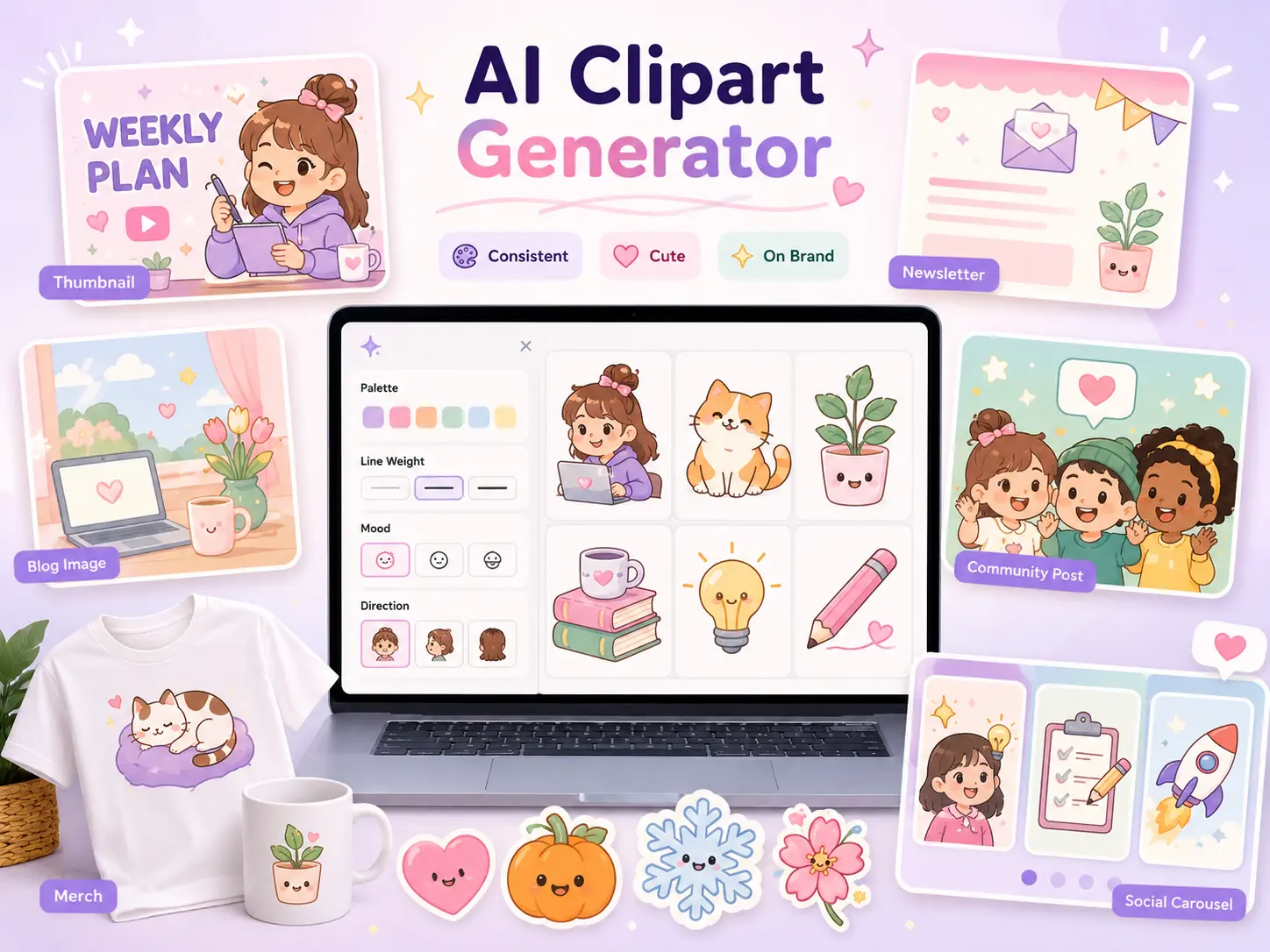
- Create cute clipart for thumbnails, newsletters, blog images, creator merch, community posts, and social media carousels that need fresh visuals every week
- Generate seasonal graphics such as heart clipart, pumpkin clipart, snowflake clipart, flower clipart, and celebration clipart without digging through stock sites
- Keep a recognizable content style by repeating the same color palette, line weight, mood, and character direction in each AI Clipart Generator prompt
AI Clipart Generator for designers and brand teams
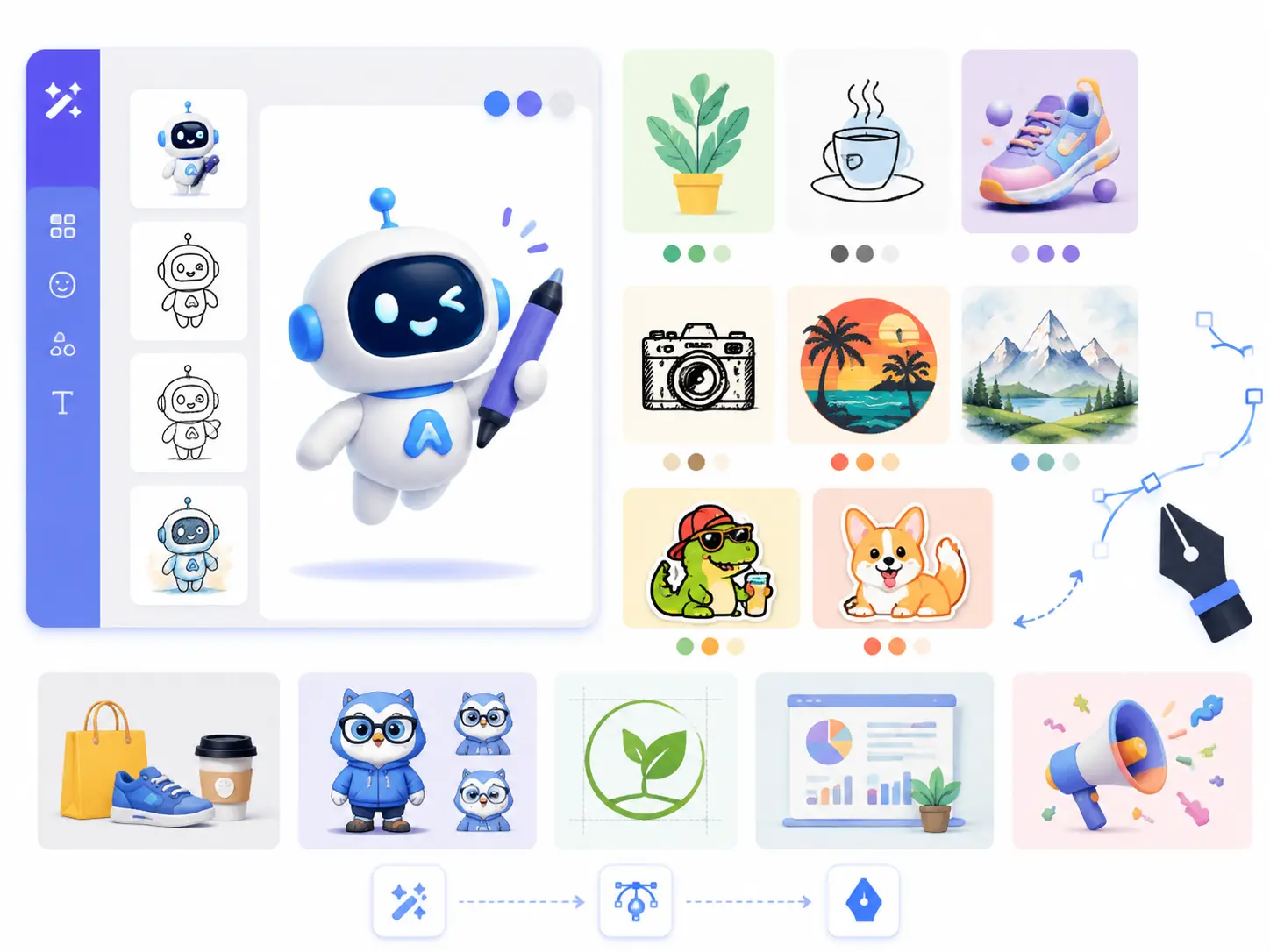
- Turn quick ideas into business clipart, product category icons, mascot concepts, logo-support graphics, presentation decorations, and campaign assets
- Explore flat vector, minimal line art, playful 3D, hand-drawn, retro, watercolor, or bold sticker styles before committing design time
- Use the AI Clipart Generator to make a first draft, then refine the strongest result in your design workflow when exact vector editing is required
AI Clipart Generator for marketers and small businesses
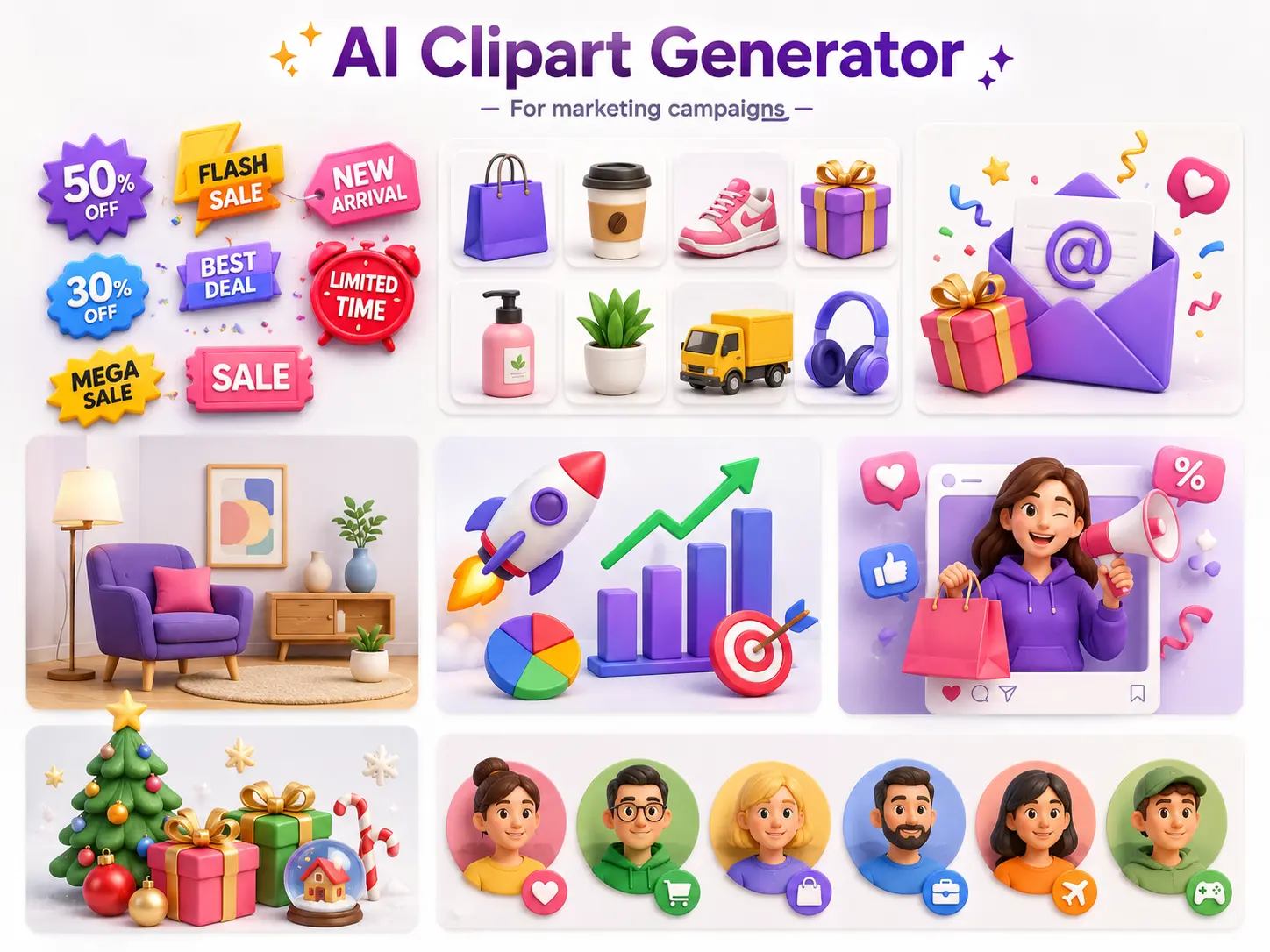
- Make ad decorations, sale badges, product icons, email graphics, landing page accents, presentation visuals, and social post illustrations for real campaigns
- Create clipart that matches a promotion, event, holiday, product category, or customer segment with the right subject, colors, and visual tone
- Speed up campaign production with an AI Clipart Generator that can produce many on-brand variations for testing
AI Clipart Generator for teachers and learning teams
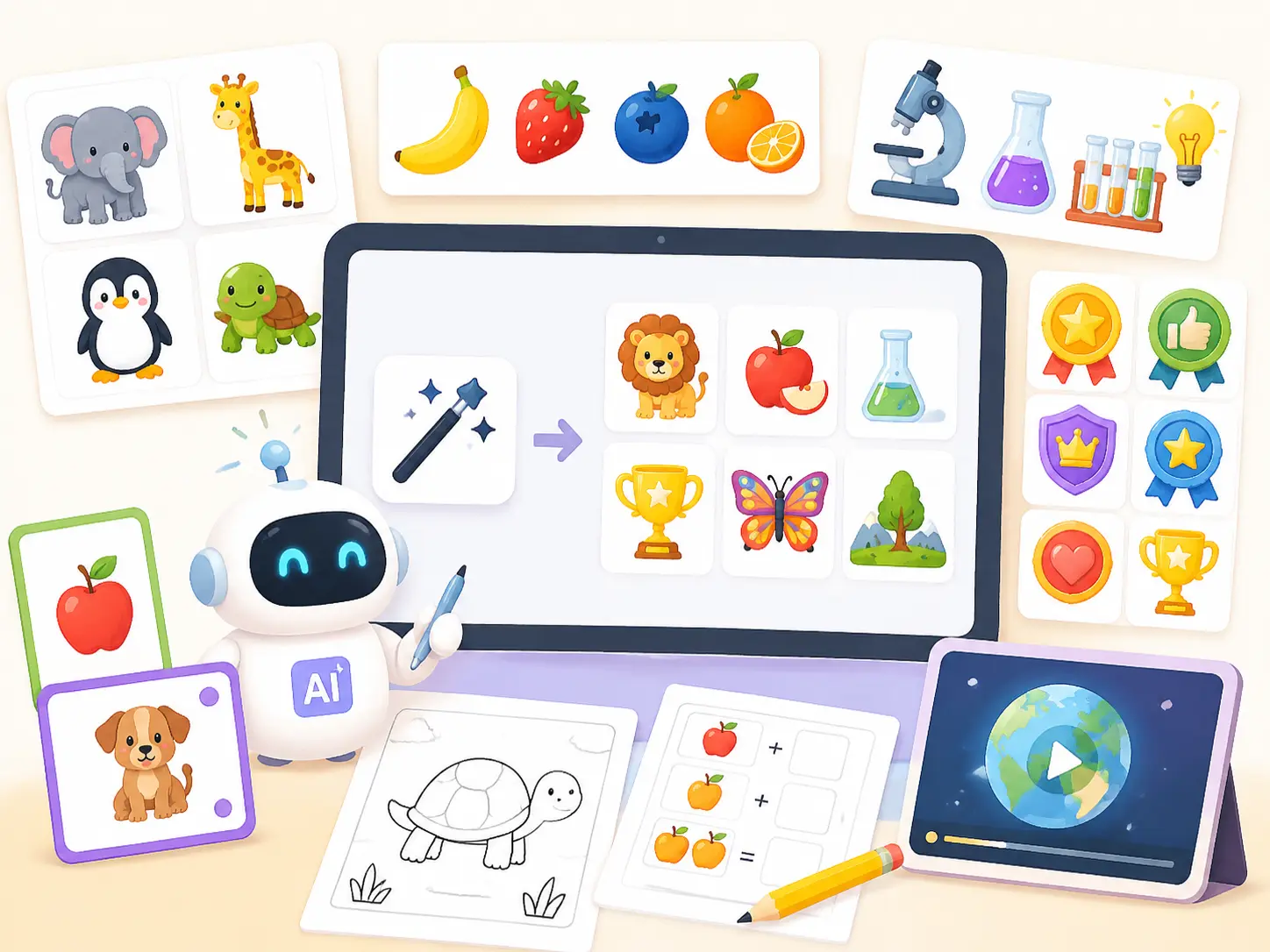
- Generate animal clipart, fruit clipart, science clipart, classroom reward badges, vocabulary cards, worksheet illustrations, and e-learning visuals
- Create friendly, age-appropriate graphics for lessons without spending hours browsing unrelated image libraries
- Use the AI Clipart Generator to make consistent sets for topics, units, seasons, and student activities
How to Use the AI Clipart Generator
You do not need illustration experience to use the AI Clipart Generator well. The key is to describe the subject, style, usage, and constraints clearly so the result is easy to place into a real layout.
Enter a specific clipart prompt
Start with the object or theme you need, such as cute cat clipart, flower clipart, food clipart, business clipart, classroom clipart, or holiday sticker clipart. Add the audience, mood, colors, and whether the style should be flat vector, hand-drawn, kawaii, minimal, watercolor, or 3D.
Choose the style and generation settings
Pick the model, aspect ratio, and resolution that match your use case. For a sticker sheet, ask for evenly spaced elements. For a website icon, request a simple centered subject. For classroom printables, ask the AI Clipart Generator for clear edges and friendly colors.
Generate, review, and refine the result
Check whether the clipart is readable at small sizes, whether the background is simple, and whether the style fits your project. If the output is close, refine the prompt with exact corrections such as fewer details, thicker outline, softer colors, no text, or more space around each item.
Download and use your custom clipart
Save the finished AI Clipart Generator result for presentations, worksheets, social posts, landing pages, packaging mockups, digital products, printables, stickers, newsletters, and internal creative review.
Why Use This AI Clipart Generator
Create clipart that works inside real designs. The AI Clipart Generator helps you produce clear subjects, simple backgrounds, readable silhouettes, consistent styles, and themed sets for pages, posts, worksheets, decks, product mockups, stickers, and printables.
Text-to-Clipart Generation
Describe the clipart you need and generate a fresh visual from scratch. This is ideal when your project requires a specific object, style, season, audience, or brand tone that stock clipart cannot match.
Sticker and Icon Pack Creation
Ask the AI Clipart Generator for a set of related elements, such as six classroom icons, a birthday sticker pack, a fitness icon set, or a group of product category illustrations.
Style Control for Different Projects
Create cute, professional, playful, minimal, retro, hand-drawn, watercolor, flat vector, or soft 3D clipart. Add palette, outline, shadow, and background instructions to keep the output useful.
Reference-to-Clipart Transformation
Upload or describe a reference direction and turn it into cleaner clipart. This helps when you already have a mascot, product, sketch, object photo, or rough idea that needs a more polished illustration style.
Layout-Friendly Output
Prompt for isolated subjects, simple backgrounds, centered composition, readable silhouettes, and extra spacing. These details make AI Clipart Generator results easier to crop, place, resize, and combine.
Business and Education Workflows
Use the AI Clipart Generator for pitch decks, ads, websites, menus, labels, printables, lesson plans, e-learning modules, event flyers, and creator products that need custom visuals quickly.
AI Clipart Generator FAQ
Your AI Clipart Generator Is Ready. Start Free.
Create custom clipart for lessons, stickers, brands, websites, social media, presentations, and campaigns. Start with a prompt and let the AI Clipart Generator turn your idea into a usable visual. Open the AI Clipart Generator, describe the asset, and build the next graphic with less searching and more control.