
MiniMax H3 AI Video Generator
 MiniMax H3 AI Video Generator
What Is MiniMax H3?
The Next-Gen 2K AI Multimodal Studio for Filmmakers, Marketers & Creators
MiniMax H3 is a breakthrough multimodal AI video model designed for high-resolution 2K visual storytelling. Whether starting from a text brief, controlling camera movement between keyframes, or combining images, videos, and native sound references, MiniMax H3 empowers you to bring cinematic visions to life seamlessly on Bananai.
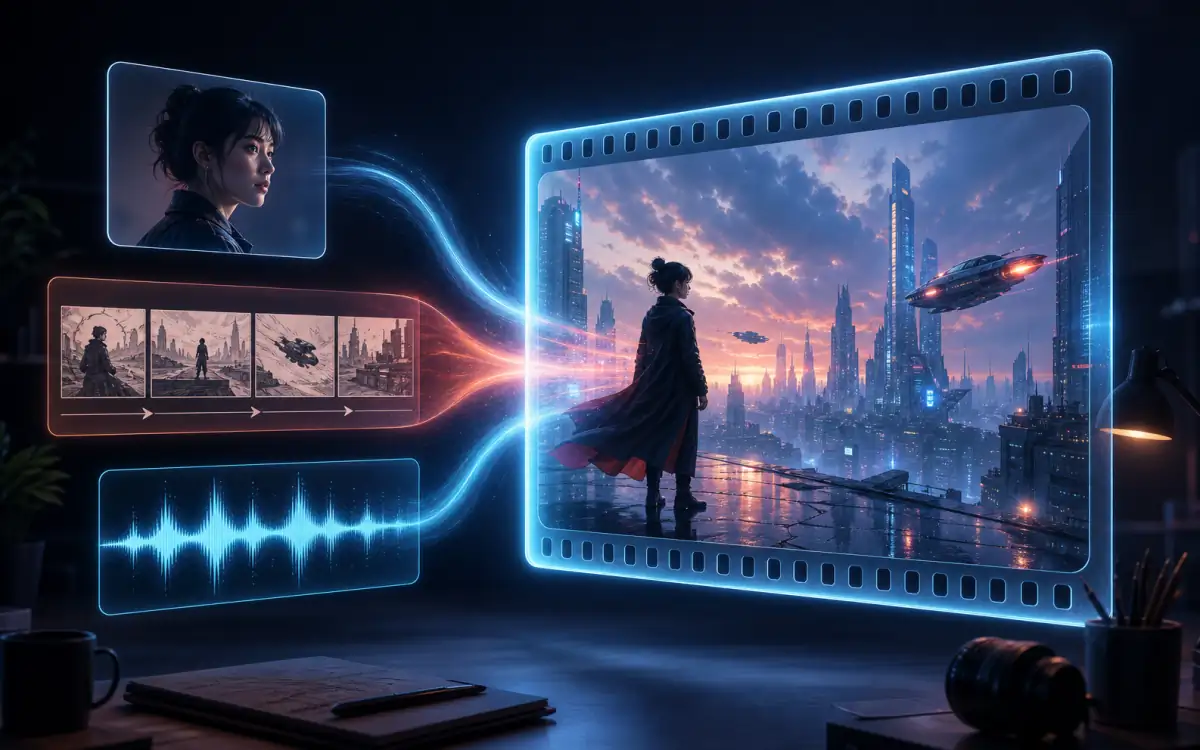
Three Powerful Ways MiniMax H3 Directs Your Shot
MiniMax H3 puts professional director controls in your hands—combining multi-asset visual reference, frame interpolation, and synchronized native sound into a production-ready studio workflow.
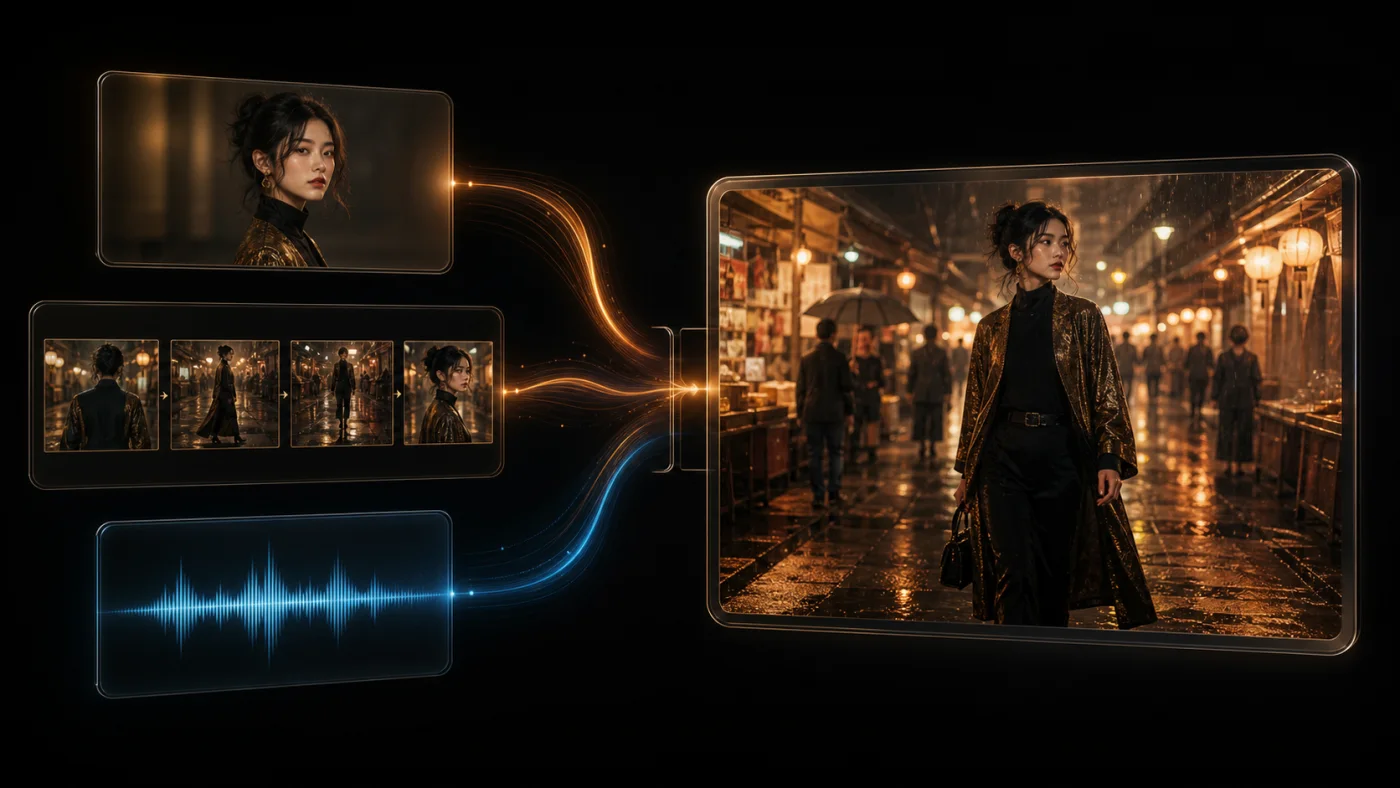
MiniMax H3 Orchestrates Complex Multimodal References
Mix up to 9 image references, 3 video clips, and 3 audio tracks into a single unified brief. Mention each asset directly in your prompt so MiniMax H3 can coordinate character identity, motion pace, visual style, and spatial audio with incredible accuracy.
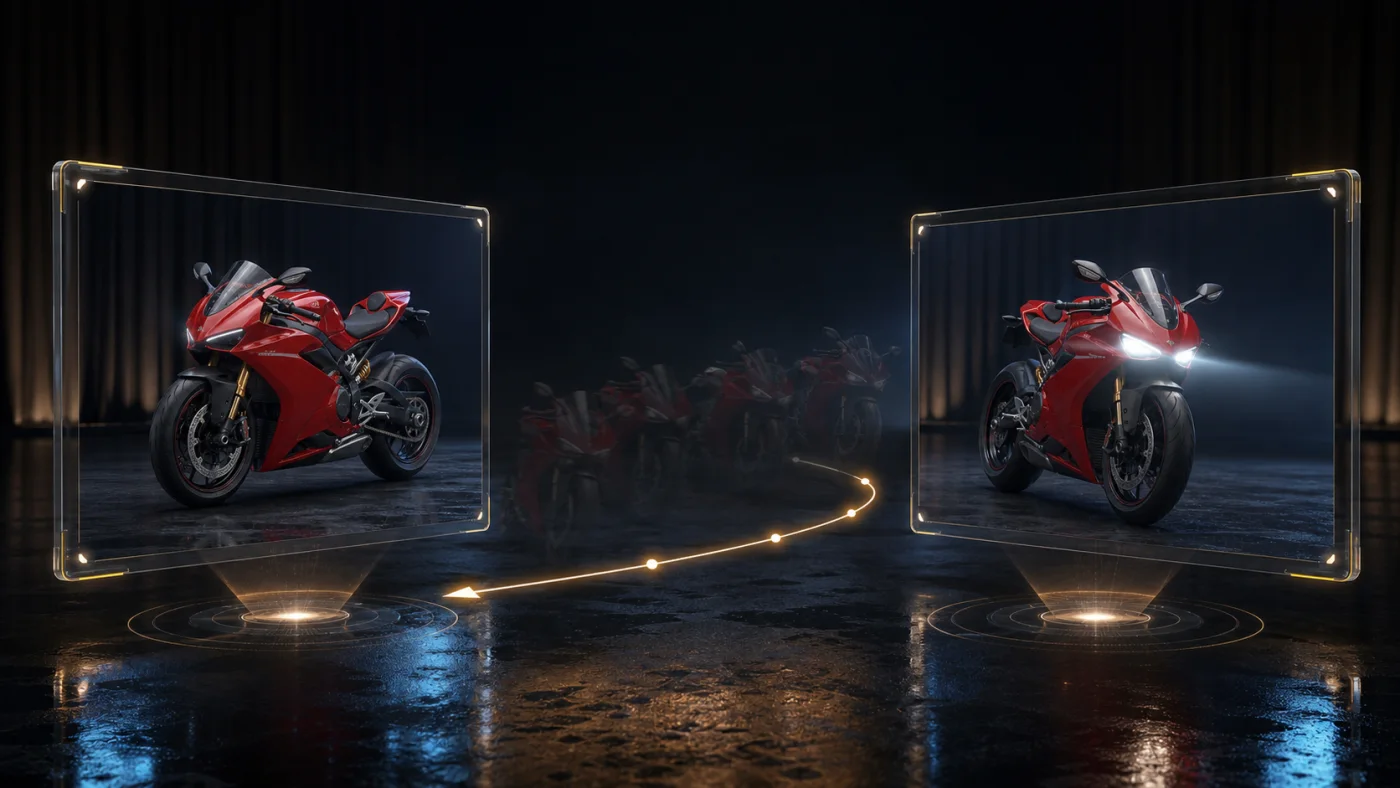
Direct Camera & Motion with Start and End Frames
Set a starting keyframe to lock composition, describe dynamic subject and camera movements, and optionally define a target closing frame. MiniMax H3 generates fluid, realistic transitions between keyframes without losing character identity or scene geometry.
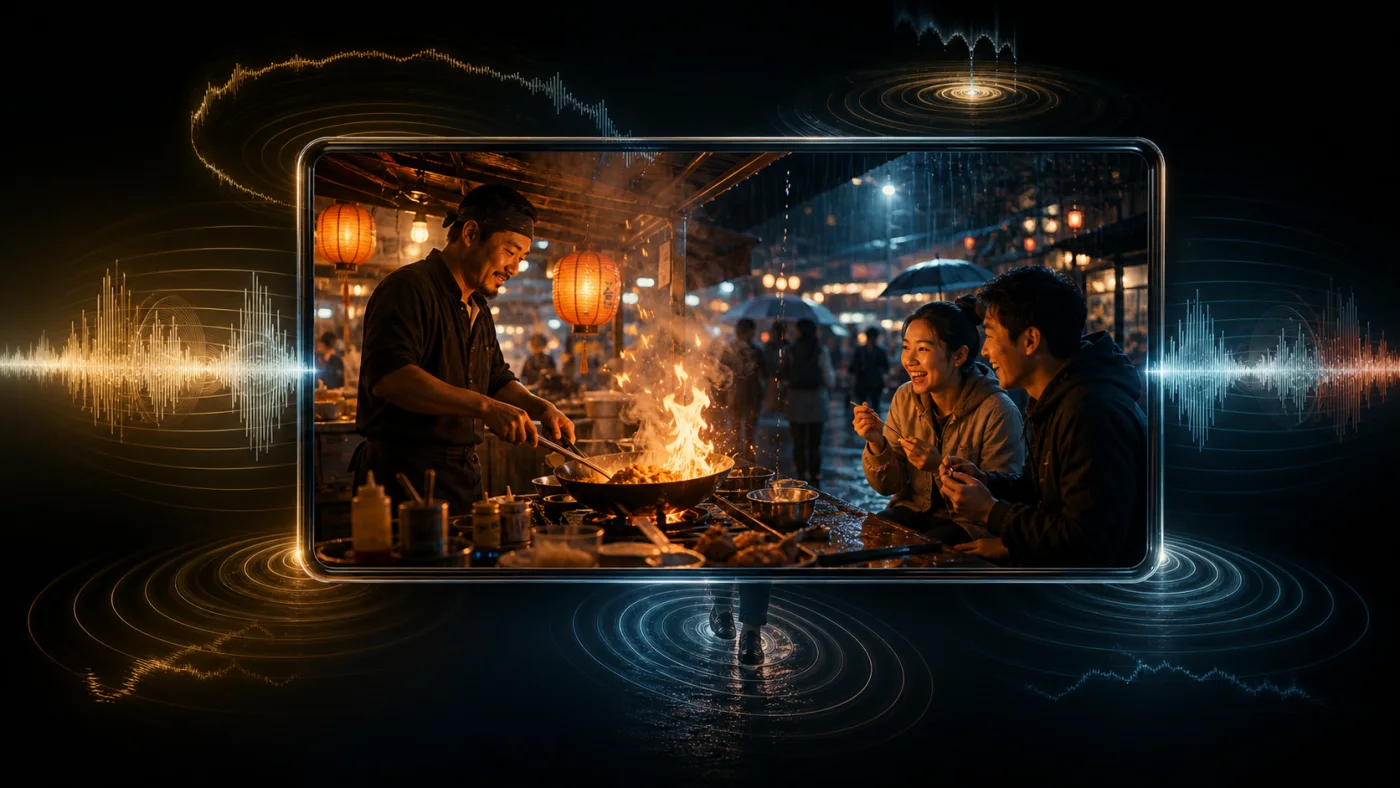
Generate Synchronized 2K Video and Audio Simultaneously
Bring visual scenes to life with matching dialogue, spatial sound effects, acoustic atmosphere, and background music. MiniMax H3 aligns visual action with native reference audio for a complete cinematic experience.
Choose the Ideal MiniMax H3 Workflow for Your Project
Select from three specialized generation workflows engineered to solve distinct visual production challenges—from blank-canvas concepting to keyframe-guided brand commercials.
Text-to-Video Studio
Create breathtaking 2K cinematic scenes directly from written descriptions. Control subject, scene geometry, camera motion, lighting mood, and aspect ratios (21:9, 16:9, 4:3, 1:1, 3:4, 9:16) with total artistic freedom.
Best for concept exploration, cinematic establishing shots, social video hooks, storyboard visualizer, and scenes that start from a blank canvas.
Image-to-Video Studio
Transform key visuals, illustrations, or product shots into dynamic motion sequences. Your uploaded image serves as the initial composition, while your prompt steers action, camera movement, and audio guidance.
Best for product commercial animations, portrait motion, key-art visualization, brand visual campaigns, and smooth keyframe transitions.
Multi-Reference Studio
Transfer character appearance, wardrobe style, camera choreography, or audio rhythm across multiple assets without restricting the output to a single static photo.
Best for character continuity, consistent brand assets, motion style matching, multi-asset creative direction, and music-driven clips.
How to Generate 2K AI Videos with MiniMax H3
Create high-impact video clips in four simple steps on Bananai.
1. Select your MiniMax H3 workflow
Choose Text-to-Video for original scenes, Image-to-Video for keyframe animation, or Reference-to-Video for multi-asset style and sound matching.
2. Upload reference assets (optional)
Upload initial frames, target closing images, or reference audio to guide visual consistency, motion pacing, and acoustic feel.
3. Write a clear production prompt
Structure your prompt with subject details, dynamic action, camera movement, and audio cues. Tag uploaded assets clearly as Image 1, Video 1, or Audio 1.
4. Set duration & render in 2K
Choose your target aspect ratio and video duration (4 to 15 seconds), hit generate, and preview your render in real time.
MiniMax H3 Studio Specifications
Explore the core specifications, accepted media formats, and duration limits for MiniMax H3 video creation.
Native 2K Resolution
MiniMax H3 delivers crisp, high-definition 2K video output across all text, image frame, and multi-reference workflows for professional-grade results.
Flexible Aspect Ratios
Choose from 21:9 ultra-wide, 16:9 widescreen, 4:3 classic, 1:1 square, 3:4 portrait, and 9:16 vertical video formats to suit any publishing platform.
Rich Prompt Capacity
Write detailed production briefs up to 7,000 characters. Describe complex scene progressions, camera angles, lighting cues, and audio instructions with ease.
Up to 9 Reference Images
In Multi-Reference mode, upload up to 9 images to define separate visual parameters—such as character faces, wardrobe, environment setting, and color mood.
Up to 3 Reference Videos
Incorporate up to 3 video clips (2 to 15 seconds each, up to 15 seconds total combined) to direct motion rhythm, camera movement, and action pacing.
Up to 3 Reference Audio Tracks
Include up to 3 audio files (2 to 15 seconds each, up to 15 seconds total combined) alongside visual inputs to sync atmospheric sound, music, or dialogue.
How to Write High-Impact MiniMax H3 Prompts
Craft structured, professional production briefs to get the exact visual motion, camera angles, and soundscapes from MiniMax H3.
Subject & Environment Setup
Begin your brief with clear subject descriptions, location setting, time of day, and primary visual anchors. Specify key details such as clothing, colors, or reference tags (e.g., Image 1).
Example structure: [Subject description] + [Environment & lighting] + [Key visual details].
Chronological Action & Motion
Detail physical movements step-by-step. Outline a clear opening state, core actions, and scene outcome to ensure fluid, realistic motion progression.
Example structure: [Initial pose] + [Primary action sequence] + [Closing composition].
Camera Choreography & Framing
Direct the camera with single, cohesive moves—such as a smooth dolly forward, tracking shot, pan, or crane reveal—to keep the clip cinematic and focused.
Pro tip: Avoid combining conflicting camera movements within a single short clip.
Preservation & Consistency Rules
In image or reference workflows, state what details must stay locked—such as facial identity, brand logos, product geometry, or lighting mood.
Pro tip: Use explicit preservation instructions (e.g., 'Maintain character face from Image 1 exactly').
Sound & Audio Hierarchy
Define foreground audio events, environmental background ambience, and musical cues. Synchronize sound descriptions with visible visual beats.
Example structure: [Foreground sound effect] + [Ambient background noise] + [Audio reference tag].
Duration & Pacing Balance
Match your prompt complexity to your selected clip length (4–15 seconds). Keep 4-second clips focused on one strong action beat, while using 15-second clips for multi-stage visual reveals.
Pro tip: Split complex multi-scene storyboards into separate clips for maximum visual quality.
Where MiniMax H3 Drives Creative Success
Discover how filmmakers, digital marketers, animators, and content creators use MiniMax H3 for rapid video production.
Product Commercials & Showcase Films
Animate product visuals with Image-to-Video while locking brand logos, materials, and silhouettes. Add target end frames for clean, professional commercial packshots.
Multi-Platform Social Media Campaigns
Generate attention-grabbing short videos in 16:9, 1:1, or 9:16 aspect ratios. Test multiple creative hooks, camera movements, and audio styles efficiently.
Consistent Character Storytelling
Use Multi-Reference mode with character reference images to maintain consistent facial appearance, wardrobe, and visual identity across multiple scenes.
Music Videos & Visual Performance Clips
Combine reference visual frames with audio guidance so MiniMax H3 matches video motion, rhythm, and camera beats to your audio track.
Animated Storyboards & Pre-visualization
Transform static artwork and storyboard panels into motion studies. Evaluate scene staging, camera movement, and sound concepts before high-cost production.
World-Building & Concept Development
Explore imaginative environments, futuristic vehicles, character designs, and atmospheric visual effects for film, gaming, and creative IP development.
Frequently Asked Questions About MiniMax H3
Answers to common questions about MiniMax H3 features, resolutions, duration limits, and generation modes on Bananai.
Transform Your Prompts into 2K AI Videos with MiniMax H3
Launch the MiniMax H3 studio above, choose text, image, or reference mode, and bring your visual vision to life in stunning 2K resolution.