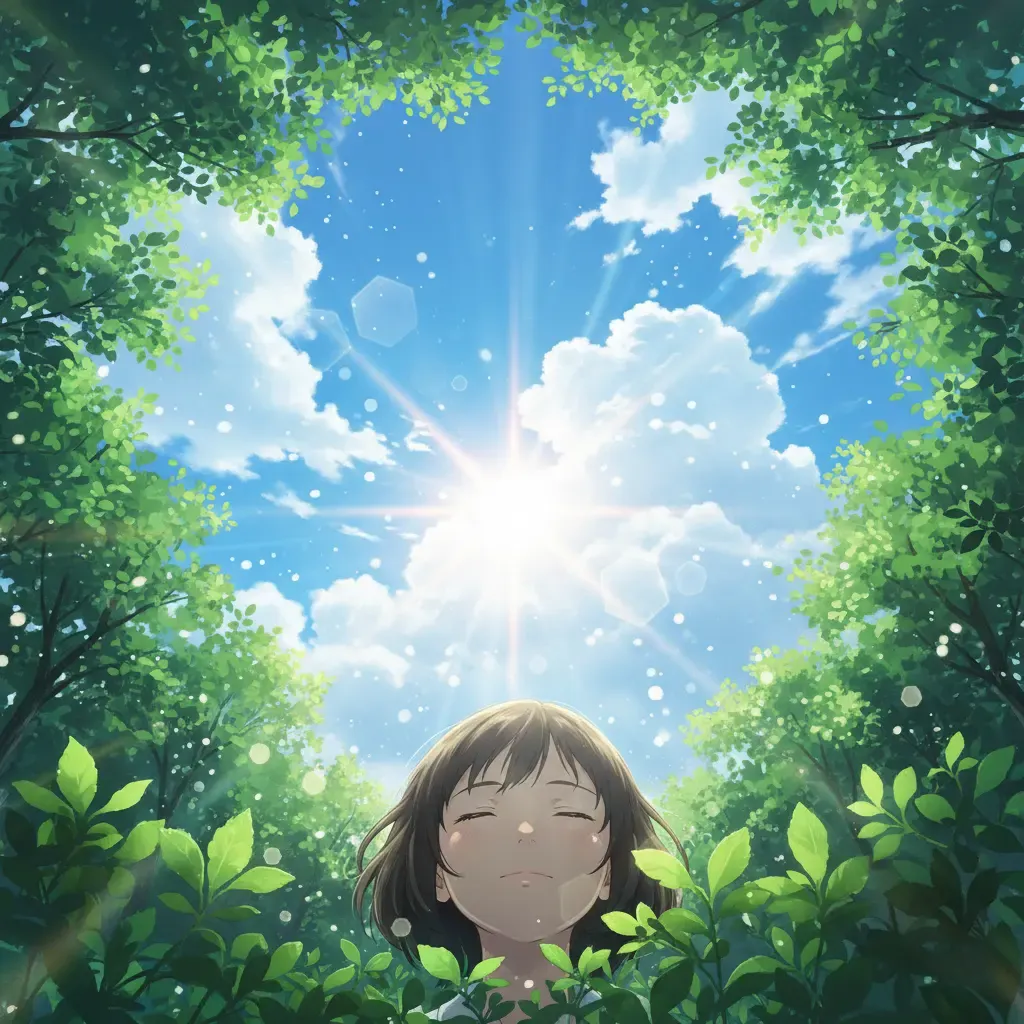
AI Image Generator - Create, Edit, and Transform Images Online
AI Image Generator for Text to Image, Image to Image, and Photo Editing
A practical visual generation workspace for marketers, e-commerce teams, designers, and creators who need one place to generate a new image or improve an existing one.
This workspace gives you a single place for text-to-image, image-to-image, and AI photo editing. Start with a prompt, upload a reference image, or edit an existing photo with plain-language instructions. Use it to make product images, ad creatives, blog graphics, social posts, thumbnails, concept art, and fast visual drafts. The goal is simple: help you get usable images faster without switching between separate tools.
Choose the Right AI Image Generator Model
Different jobs need different output behavior. This workspace now spans fast draft models, editing-first models, text-heavy visual models, and style-led flagship generators, so you can choose the right balance of speed, control, and final polish.
Nano Banana for quick drafts, simple edits, and repeat testing
Use Nano Banana when you want fast iterations and low-friction prompt testing. It fits everyday design work such as social visuals, blog headers, rough concepts, and first-pass product images before moving to a higher-detail render.
Fast idea validation
Useful when you need to test multiple prompts, compositions, or styles without spending too much time on each round.
Good for everyday graphics
A solid starting point for lightweight marketing assets, thumbnails, hero concepts, and internal creative drafts.
Simple image editing workflow
Works well for straightforward photo edits like changing a background, adjusting style, or improving a rough reference image.
Easy to iterate
Best when your process involves generating, reviewing, adjusting the prompt, and regenerating several times.
How to Use This AI Image Generator
This tool is built to be simple on the surface and flexible when you need more control. Most users can get from idea to finished image in four steps.
Write a prompt or upload an image
Start with what you have. Type a text prompt if you want to create something new, or upload an image if you want to restyle, improve, or edit an existing photo.
Choose the model and basic settings
Pick the model that matches your goal, then choose the right size, aspect ratio, or edit path. Use a faster model for exploration and a higher-detail model for final output.
Generate, compare, and refine
Review the result, adjust the prompt if needed, and regenerate. Small prompt changes often help with composition, style, lighting, text placement, or product positioning.
Download the image and move to production
When the result is ready, download it for ads, product pages, social content, presentations, blog posts, moodboards, or internal creative review.
What You Can Do With This AI Image Generator
Most people come to an AI image generator with one of three jobs: create a new visual from text, transform a reference image, or edit a real photo. This page is built around those exact workflows.
AI Image Generator for text to image creation
- Turn a written idea into a complete image for ads, blogs, landing pages, thumbnails, social posts, and visual concepts
- Describe subject, composition, lighting, camera angle, color palette, mood, and background in one prompt to get a more usable first result
- A practical workflow for teams that need original images without starting from stock photography every time
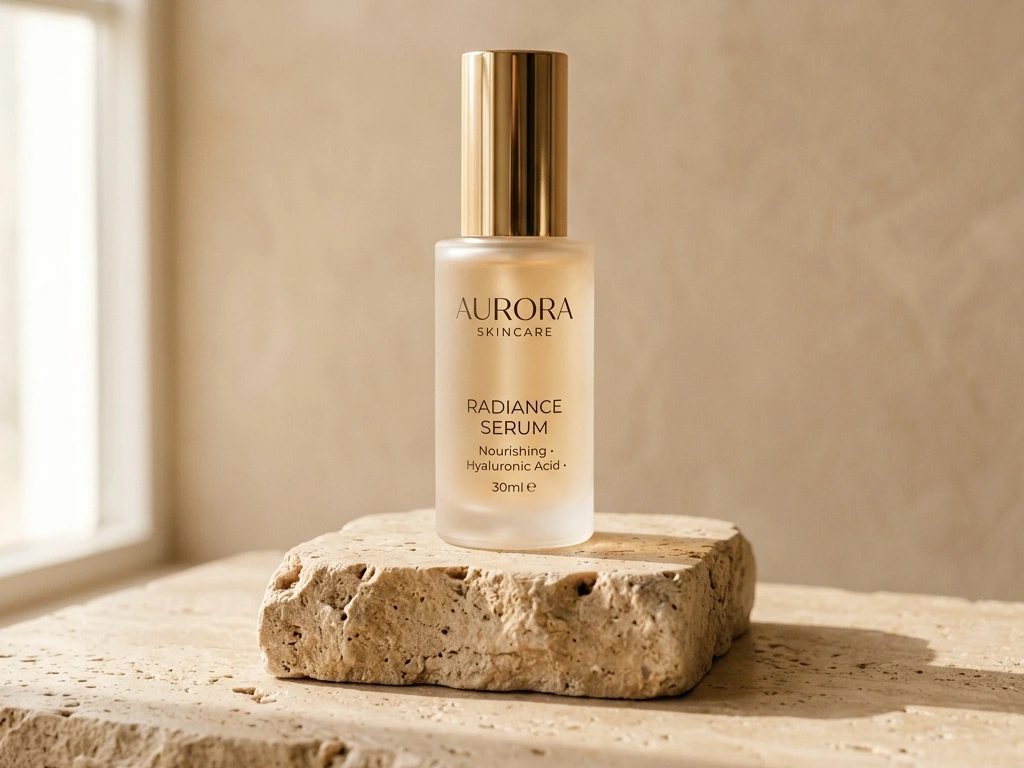
AI Image Generator for image to image transformation
- Upload a reference image and ask for a new style, different setting, cleaner composition, or a more commercial finish
- Useful for turning rough drafts into polished visuals, converting sketches into rendered scenes, or restyling product photos
- A good fit when you want the new image to follow the original direction without manually rebuilding the whole visual
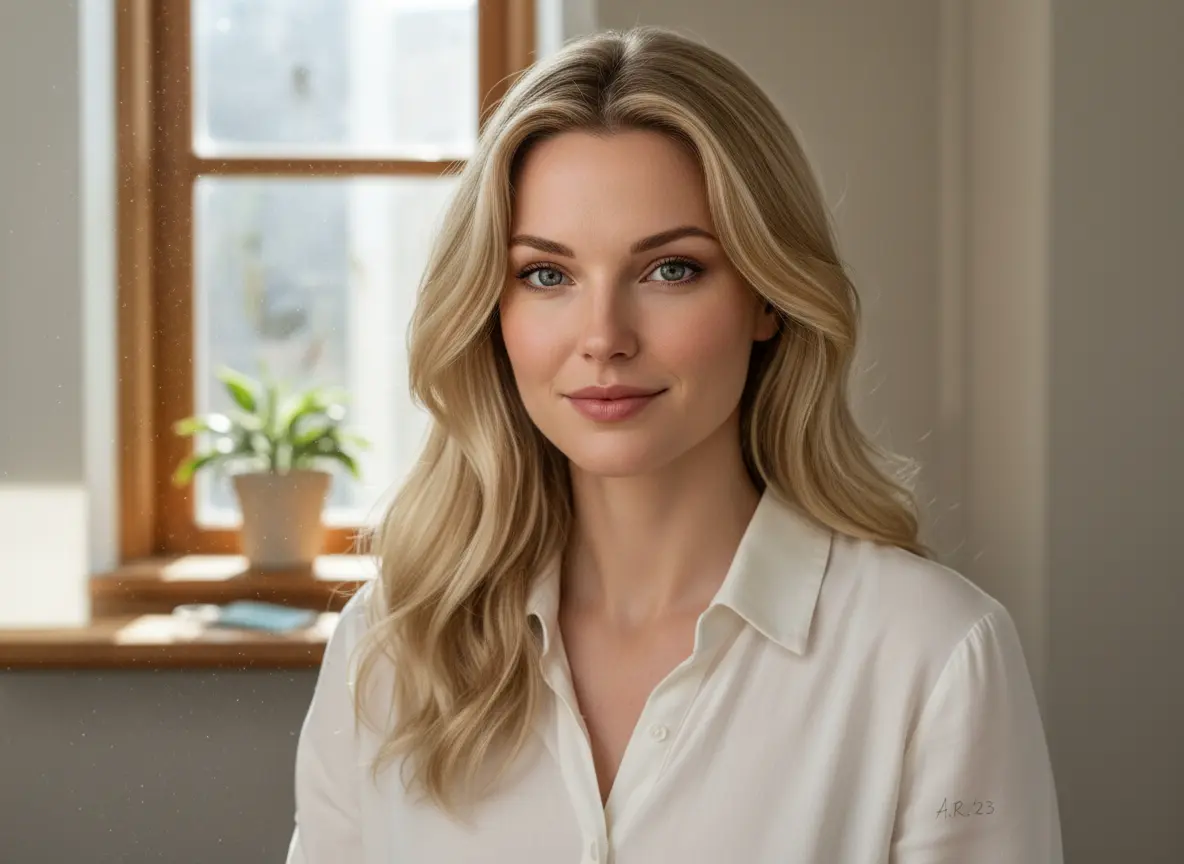 Result
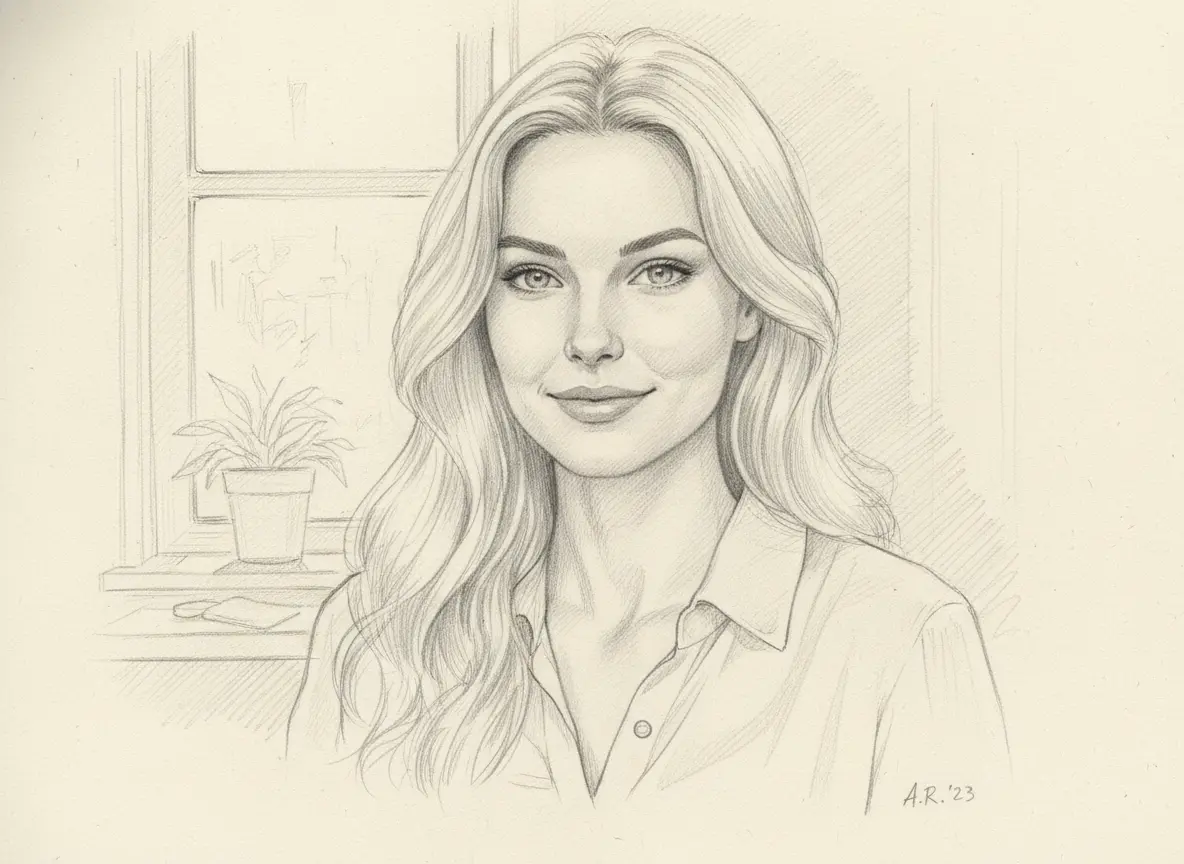 Reference
AI Image Generator for photo editing and cleanup
- Edit an existing image with natural instructions such as removing a background, changing colors, cleaning distractions, or updating style
- Helpful for e-commerce photos, portraits, lifestyle images, marketing assets, and quick visual fixes that do not justify opening a heavy editor
- Works best when you describe exactly what should change and what should stay the same
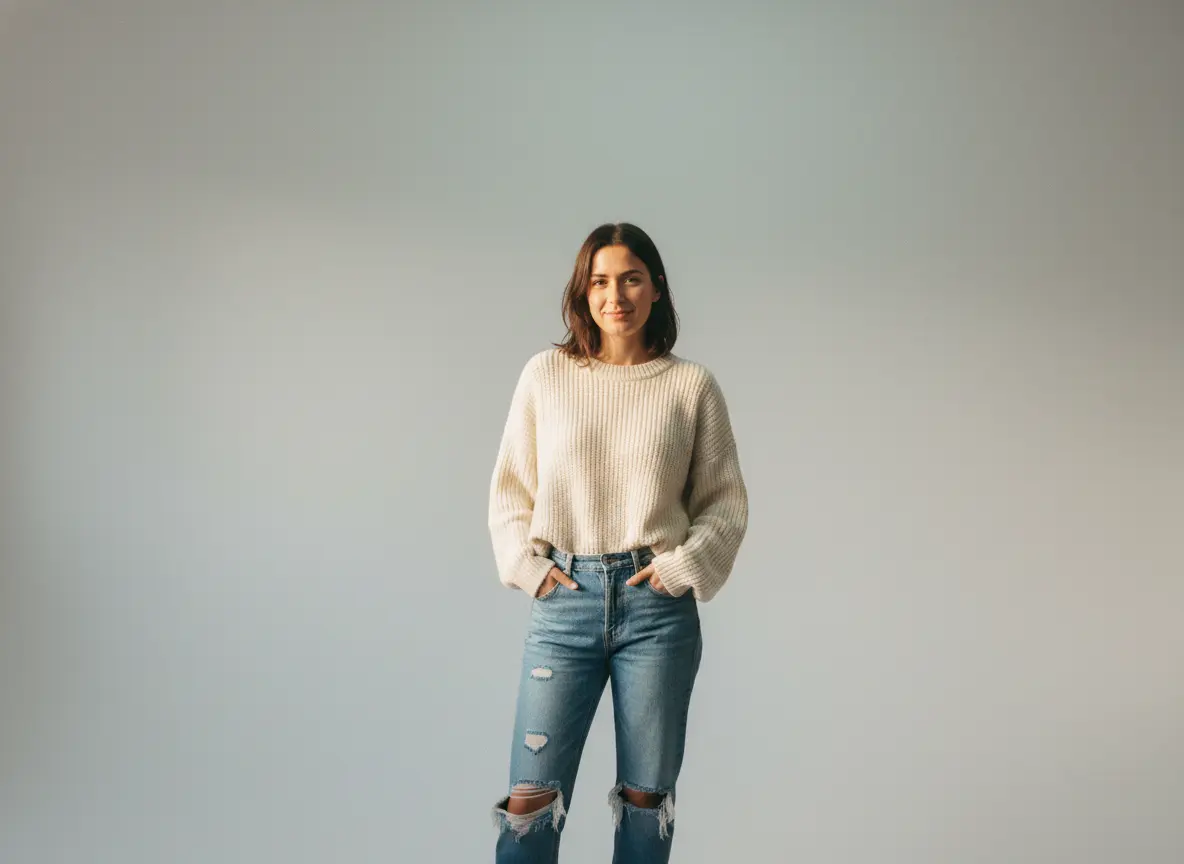 Edited
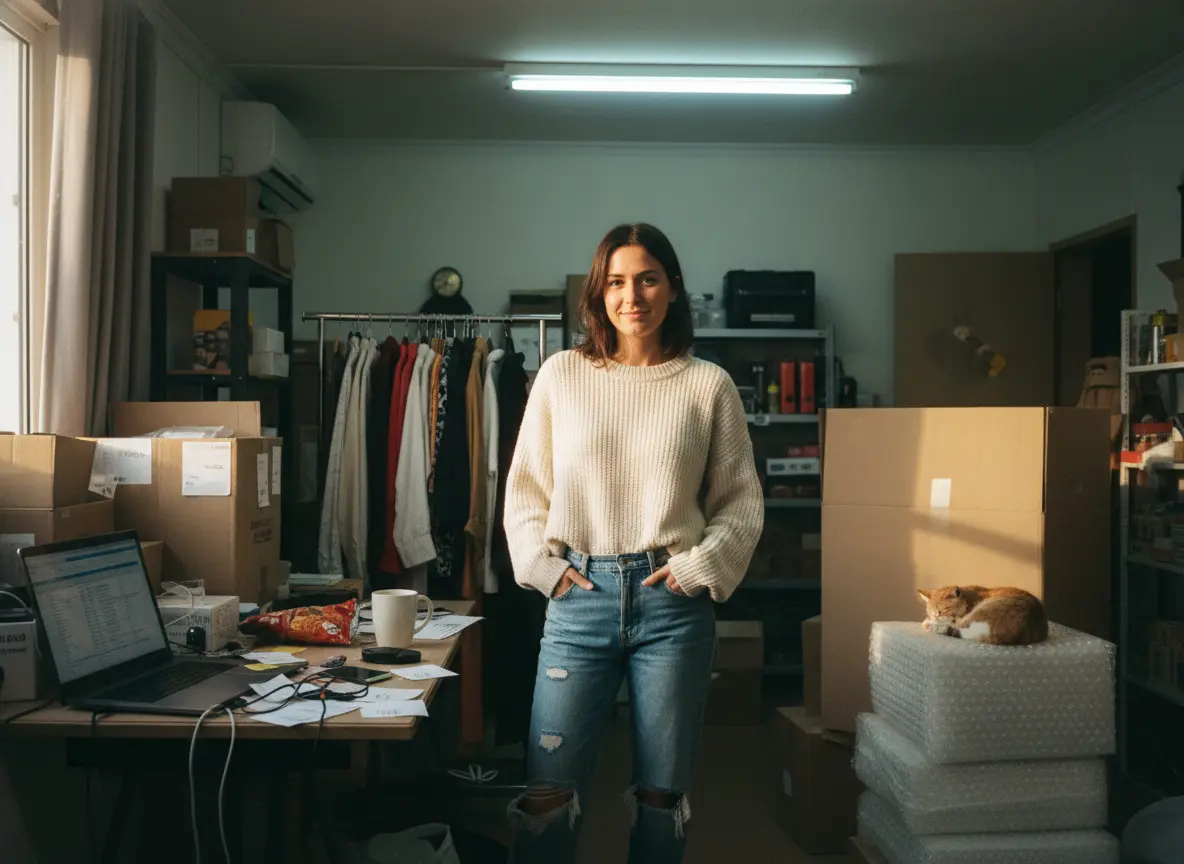 Original
Why People Choose This AI Image Generator
A useful AI image generator should solve common production problems, not just produce pretty demo images. These are the jobs users usually come here to get done.
Text-to-Image Generation
Describe a scene, product, concept, or illustration idea and generate a new image from scratch. This is the core workflow for fresh visuals when you do not already have a source image.
Image-to-Image Transformation
Upload a reference and transform it into a new version while keeping the original direction. Useful for restyling, concept upgrades, mockup variations, and controlled creative exploration.
AI Photo Editing
Use the tool to make practical edits such as removing distractions, changing backgrounds, adjusting style, replacing elements, or refining an existing photo for business use.
Style Transfer
Move an image from one visual style to another, from clean studio photography to cinematic, illustrated, painterly, retro, or editorial looks, without rebuilding the composition by hand.
Background Changes and Subject Cleanup
Swap a messy setting for a clean studio look, isolate the product, or remove unwanted objects. This is one of the most common reasons people use image generation tools for e-commerce and ads.
Upscaling and Detail Recovery
Improve a smaller or rougher image so it looks cleaner in presentations, listings, moodboards, or campaign drafts. Useful when you need a better-looking file without recreating the image from zero.
POWER YOUR CREATIVITY
Pick your plan to get started
No hidden fees · Cancel anytime
Lite
Best for light creative runs
$64.68 billed yearly
- 300 credits per month
- Up to 300 images per month
- Daily check-in bonus credits
- 2K/4K Image Generation
- All Models Unlimited
- AI Video Generation
- No watermark
- Private generation
- No Captcha/Turnstile Verification
- Priority Processing Queue
- Priority Support
- Commercial License
- Unlimited Storage
Basic
Perfect for getting started
$143.88 billed yearly
- 1,000 credits per month
- Up to 1,000 images per month
- Daily check-in bonus credits
- 2K/4K Image Generation
- All Models Unlimited
- AI Video Generation
- No watermark
- Private generation
- No Captcha/Turnstile Verification
- Priority Processing Queue
- Priority Support
- Commercial License
- Unlimited Storage
Pro
Perfect for content creators & influencers
$287.88 billed yearly
- 2,500 credits per month
- Up to 2,500 images per month
- Daily check-in bonus credits
- 2K/4K Image Generation
- All Models Unlimited
- AI Video Generation
- No watermark
- Private generation
- No Captcha/Turnstile Verification
- Priority Processing Queue
- Priority Support
- Commercial License
- Unlimited Storage
Max
For professional studios & teams
$575.88 billed yearly
- 6,500 credits per month
- Up to 6,500 images per month
- Daily check-in bonus credits
- 2K/4K Image Generation
- All Models Unlimited
- AI Video Generation
- No watermark
- Private generation
- No Captcha/Turnstile Verification
- Priority Processing Queue
- Priority Support
- Commercial License
- Unlimited Storage
AI Image Generator FAQ
Your AI Image Generator Is Ready. Start Free.
Create a new image, transform a reference, or edit a photo in one workflow. Start free and see which model fits your task best.