
Grok Imagine Video 1.5 AI Video Generator
 Grok Imagine Video 1.5
Grok Imagine Video 1.5 for Short AI Videos, Product Motion, and Social Clips
Create fast video concepts from prompts and visual ideas with a model-focused workflow for ads, creator posts, storyboards, explainers, and brand experiments.
Grok Imagine Video 1.5 is an upgraded AI video generation experience for people who need motion ideas quickly, not a complicated production timeline. Use it to draft social clips, product reveals, teaser videos, animated posters, meme-style edits, classroom hooks, campaign concepts, and storyboard references. The strongest use of Grok Imagine Video 1.5 is not simply asking for a scene; it is describing what changes over time. Tell the model who or what appears, how the camera moves, what should stay visually stable, what mood the clip should carry, and what kind of audio or atmosphere supports the moment. This page is written for practical creators who want a clean starting point: choose a prompt direction, generate a short draft, review the motion, refine the wording, and keep iterating until the clip has a useful rhythm. Grok Imagine Video 1.5 works especially well when the output has a clear first beat, a visible action, and a simple ending.
What You Can Create With Grok Imagine Video 1.5
Grok Imagine Video 1.5 is useful when you need a short AI video that communicates an idea quickly. It can help turn rough concepts into moving drafts for review, planning, testing, and publishing. Instead of treating AI video as a one-click novelty, use Grok Imagine Video 1.5 as a creative pre-production tool: test several hooks, compare motion styles, improve the prompt, and keep the clips that best match your audience.
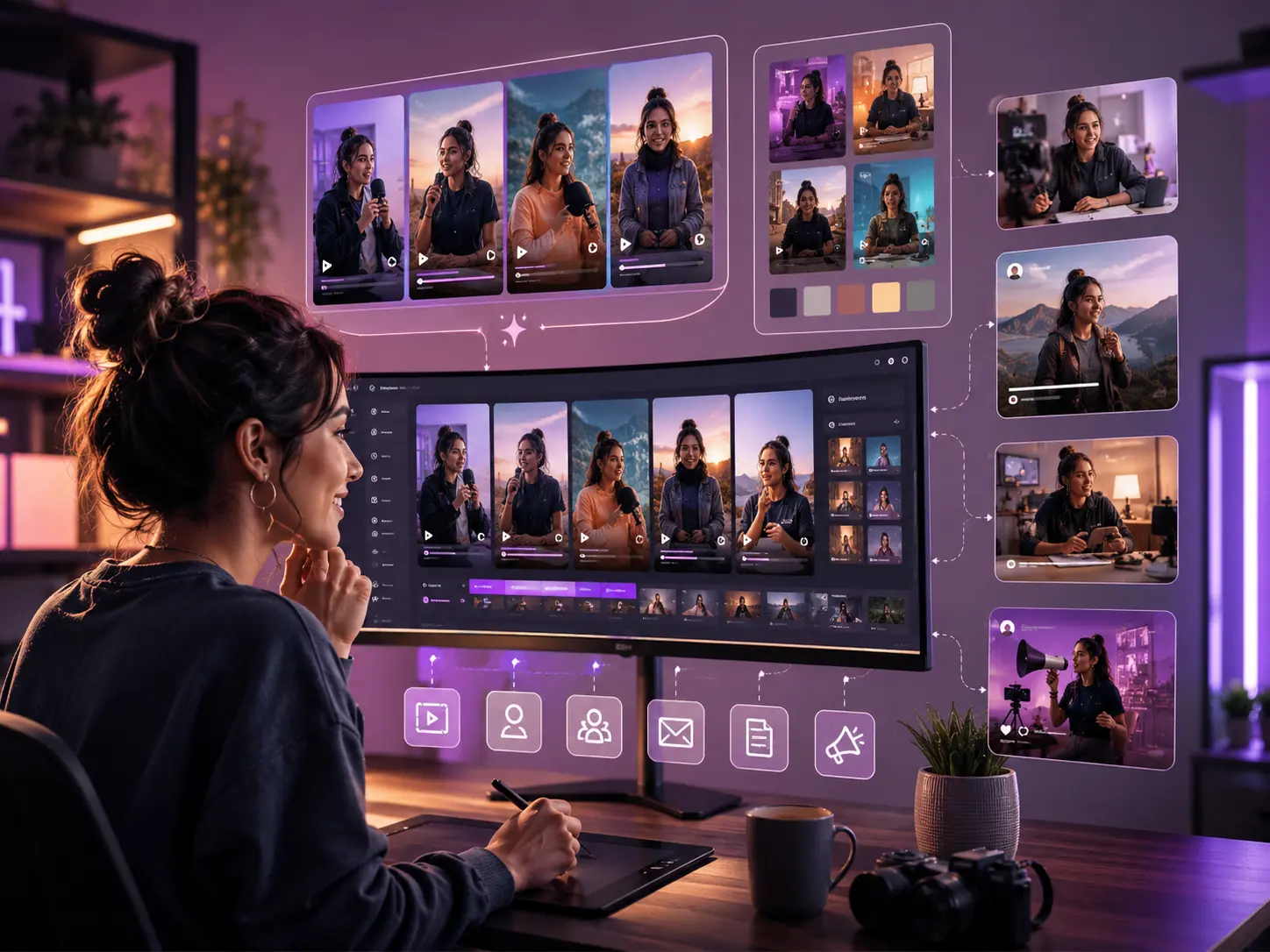
Grok Imagine Video 1.5 for content creators
- Create short-form video ideas for creator intros, vertical posts, channel updates, community teasers, newsletters, blog visuals, and social media campaigns that need fresh motion every week
- Draft seasonal clips such as holiday greetings, launch countdowns, celebration edits, travel moments, product previews, and quick visual announcements without planning a full shoot
- Keep a recognizable style by repeating the same camera language, color palette, lighting mood, character behavior, and audio direction across multiple Grok Imagine Video 1.5 prompts
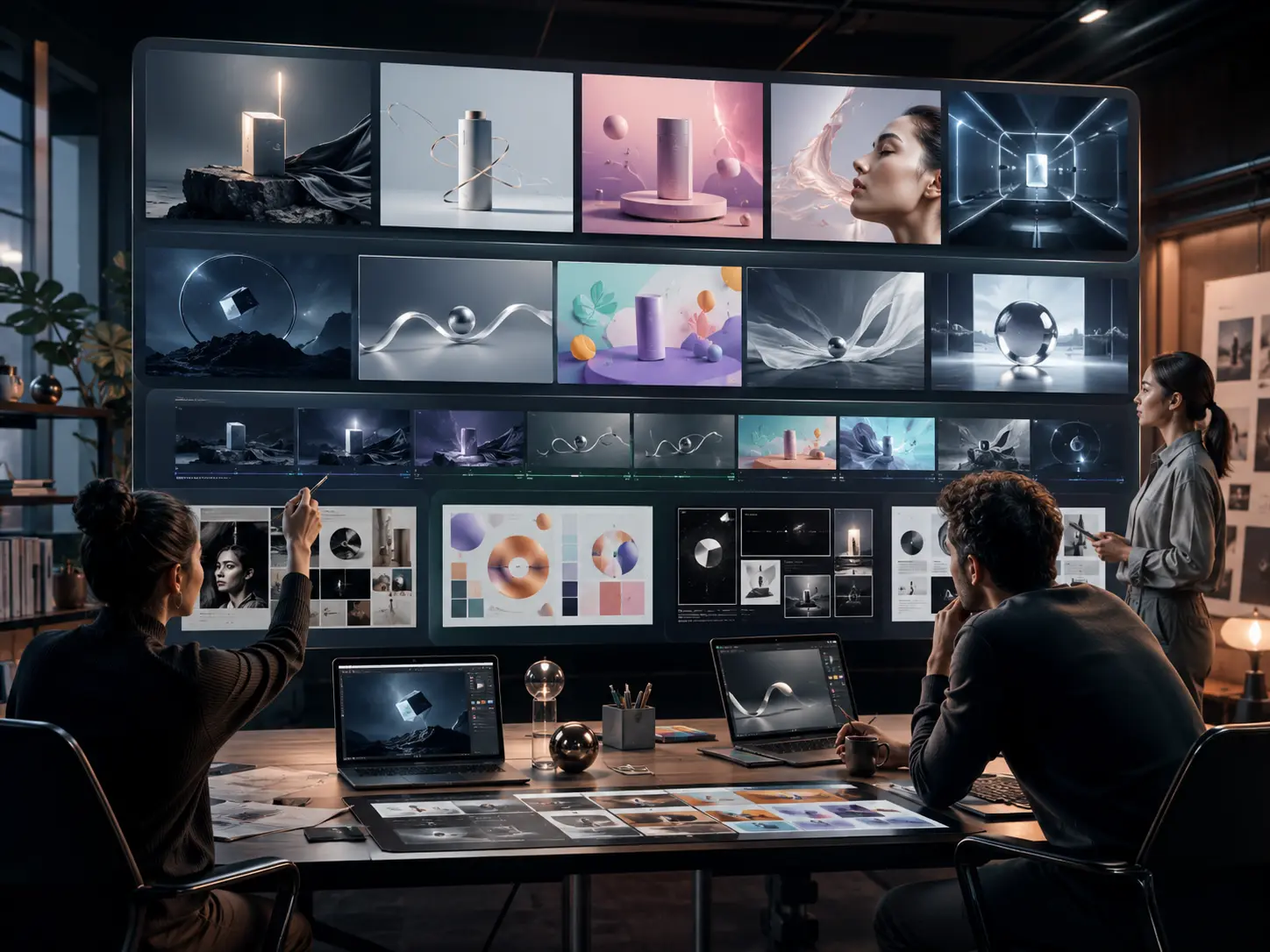
Grok Imagine Video 1.5 for designers and brand teams
- Turn campaign ideas into moving references for product reveals, landing page loops, brand films, logo-support motion, presentation openers, and concept pitches
- Explore cinematic, documentary, playful, minimal, editorial, futuristic, realistic, or stylized motion directions before committing design and editing time
- Use Grok Imagine Video 1.5 to make a first draft, then refine the best result with editing, brand review, sound design, or a more detailed production workflow
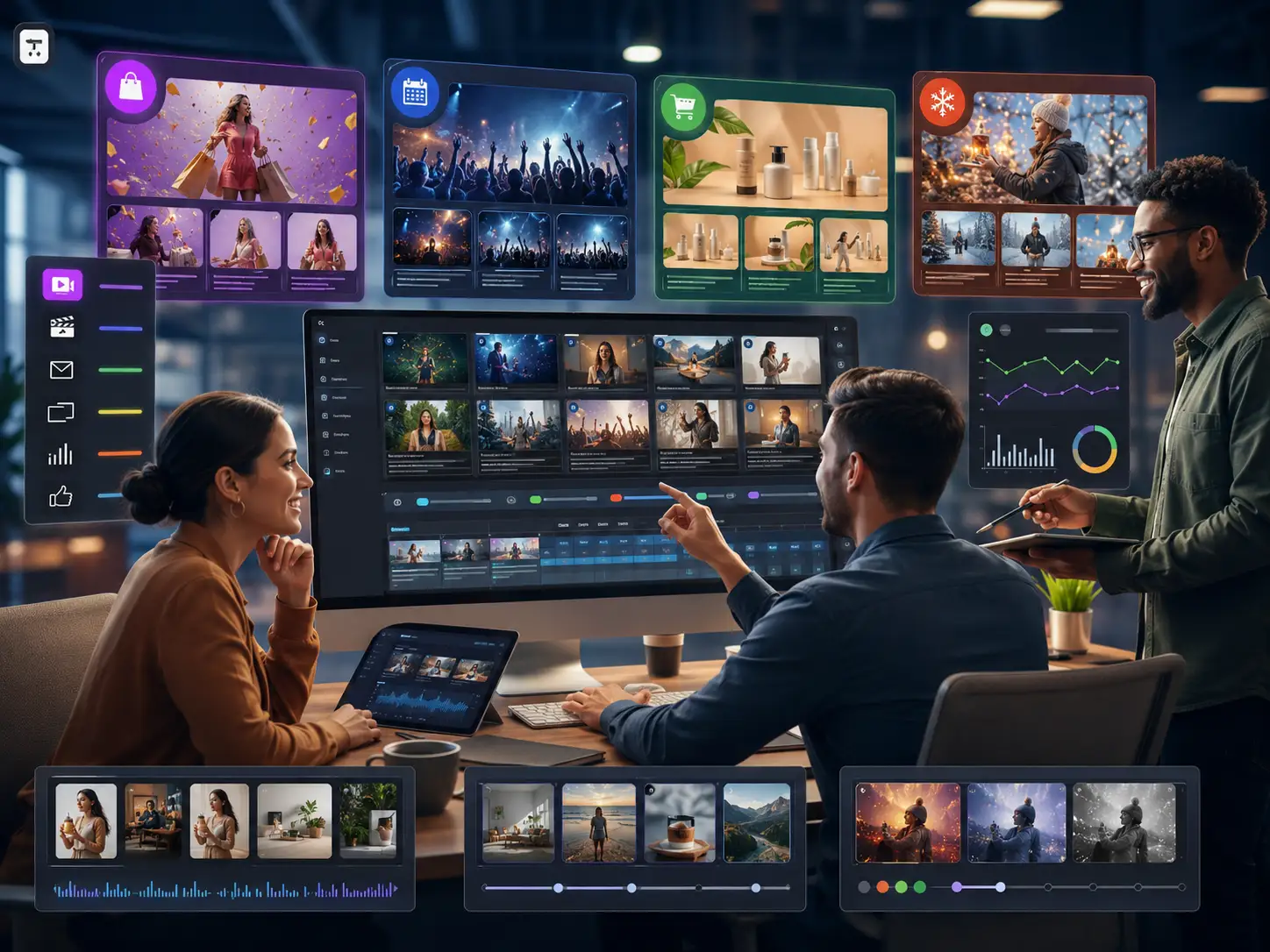
Grok Imagine Video 1.5 for marketers and small businesses
- Make ad hooks, sale teasers, product demos, email video concepts, landing page motion, presentation visuals, and social posts for real campaign testing
- Create clips that match a promotion, event, product category, audience segment, or seasonal message with the right pacing, camera distance, and visual tone
- Speed up campaign exploration by generating several variations of the same idea and comparing which Grok Imagine Video 1.5 prompt produces the clearest message
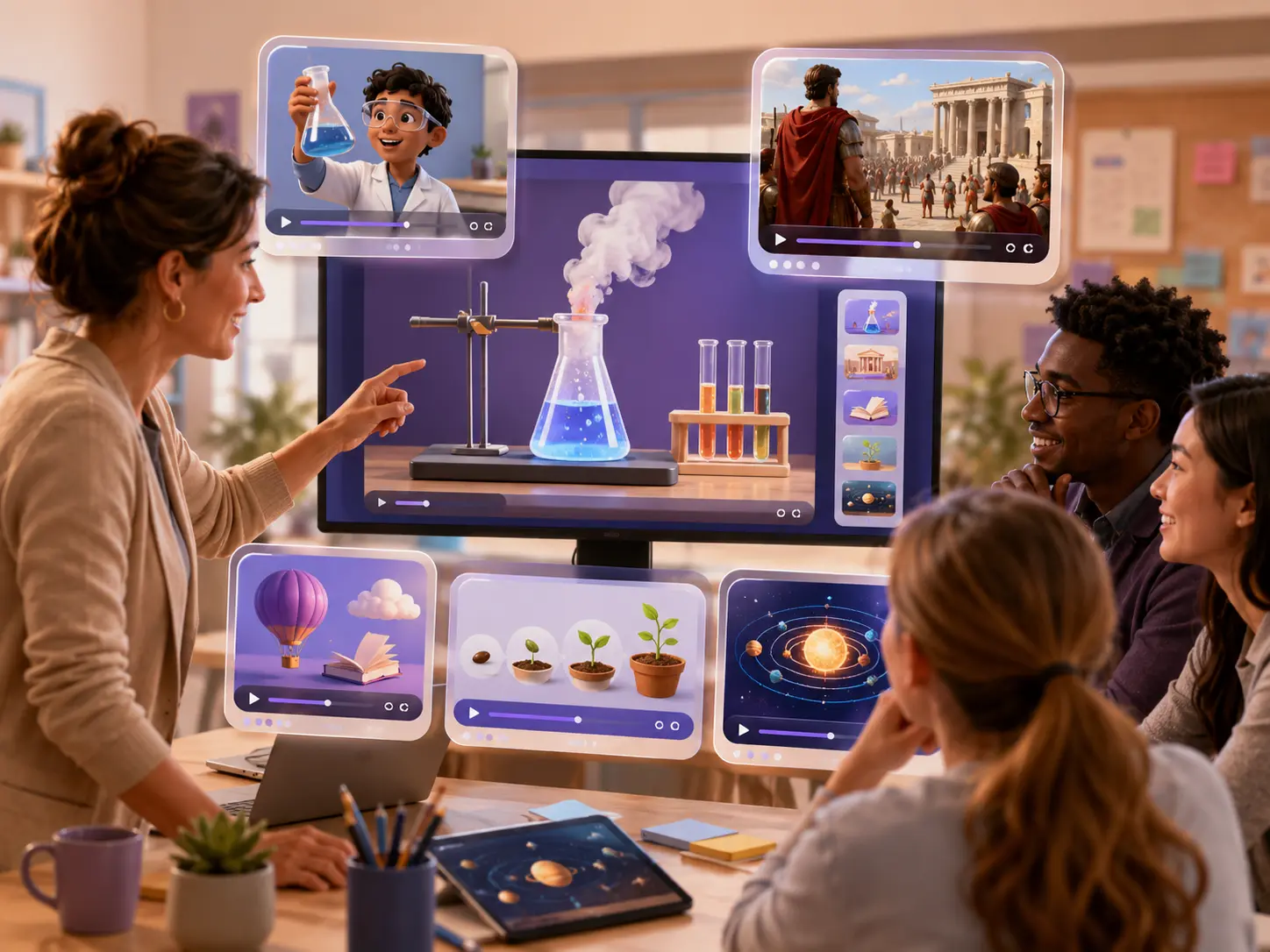
Grok Imagine Video 1.5 for teachers and learning teams
- Generate classroom hooks, science demos, history scene starters, vocabulary visuals, process explanations, and short e-learning clips that help students notice the main idea
- Create friendly, age-appropriate motion concepts for lessons without spending hours searching for unrelated stock footage
- Use Grok Imagine Video 1.5 to build consistent visual openers for topics, units, seasons, student activities, and short educational sequences
How to Use Grok Imagine Video 1.5
You do not need film production experience to use Grok Imagine Video 1.5 well. The key is to write prompts like short creative briefs, with enough motion detail for the model to understand the action, camera, pacing, and final use.
Enter a specific video prompt
Start with the clip you need, such as a product reveal, vertical ad hook, creator intro, classroom explainer, animated poster, cinematic establishing shot, or social media loop. Add the audience, setting, mood, subject action, and whether the result should feel realistic, stylized, playful, premium, documentary, or futuristic.
Choose the style and generation settings
Match the format to the place where the video will be used. A vertical post needs different framing from a landing page banner. A product teaser needs stable identity and clean movement. A storyboard draft can be looser, as long as the camera direction and action are easy to understand.
Generate, review, and refine the result
Watch for subject stability, camera smoothness, readable action, unwanted distortion, pacing, and whether the first second is strong enough. If the output is close, refine the prompt with exact corrections such as slower camera move, less background motion, clearer face, stronger product focus, softer lighting, or simpler ending.
Download and use your short video draft
Save the finished result for creative review, ad testing, landing page motion, social posts, campaign planning, classroom content, product demos, internal decks, or a more polished editing workflow. Grok Imagine Video 1.5 is most useful when each draft teaches you what to improve next.
Why Use Grok Imagine Video 1.5
Create short AI video drafts that can be reviewed, revised, and used in real creative workflows. Grok Imagine Video 1.5 helps you move from idea to motion with clearer prompting, better shot planning, and practical use cases for ads, social content, explainers, brand concepts, and product storytelling.
Prompt-to-Video Direction
Describe the scene you want and turn it into a short moving concept. Grok Imagine Video 1.5 is useful when your idea needs a specific subject, setting, camera move, action, mood, or audience rather than generic stock footage.
Short Clip and Hook Creation
Ask for a focused sequence such as a six-second product hook, a creator intro, a campaign teaser, a classroom opener, or a storyboard beat. Strong prompts define what happens first, what changes in the middle, and how the clip should end.
Style Control for Different Projects
Guide Grok Imagine Video 1.5 toward cinematic, realistic, playful, editorial, premium, minimal, documentary, or stylized results. Add lighting, palette, lens, atmosphere, and pacing instructions so the draft fits the project.
Reference-to-Motion Planning
Use a still visual, brand direction, product concept, or rough scene idea as the starting point for motion. This helps when you already know the look but need Grok Imagine Video 1.5 to explore movement, camera energy, and timing.
Layout-Friendly Video Concepts
Prompt for clear subject placement, simple backgrounds, stable logos, readable silhouettes, and extra visual breathing room. These details make Grok Imagine Video 1.5 drafts easier to crop, caption, edit, and place into real layouts.
Business, Education, and Creator Workflows
Use Grok Imagine Video 1.5 for pitch decks, ad testing, landing pages, product launches, lesson openers, e-learning modules, event promos, creator posts, and internal creative reviews that need motion quickly.
Grok Imagine Video 1.5 FAQ
Your Grok Imagine Video 1.5 Generator Is Ready. Start Free.
Create short video drafts for social posts, product reveals, lessons, brand campaigns, storyboards, and creator content. Start with a clear prompt and let Grok Imagine Video 1.5 turn your idea into motion. Open the generator, describe the scene, review the result, and refine the next draft with more control.