
Wan 3.0 AI Video Generator
 Wan 3.0 AI Video Generator
What Is Wan 3.0?
An all-in-one AI video model for longer stories, richer references, and complete audiovisual creation
Wan 3.0 is Alibaba's new all-in-one video generation model for creators who want to move from an idea to a coherent audiovisual draft with fewer disconnected tools. Instead of treating text-to-video, image-to-video, first-and-last-frame control, reference media, and file-based creation as separate products, the model brings those directions together in one workflow. You can plan a scene from text, anchor composition with an image, guide identity with reference media, or provide a document or web link as creative source material. Wan 3.0 can generate up to 30 seconds in one run and can include native sound. For marketers, filmmakers, educators, product teams, and social creators, the practical value is a broader starting point: bring the materials you already have, describe the result you need, and let the model shape them into a video concept. The generator above now connects to the real Wan 3.0 API through KIE, with text and first-and-last-frame workflows available on Bananai.
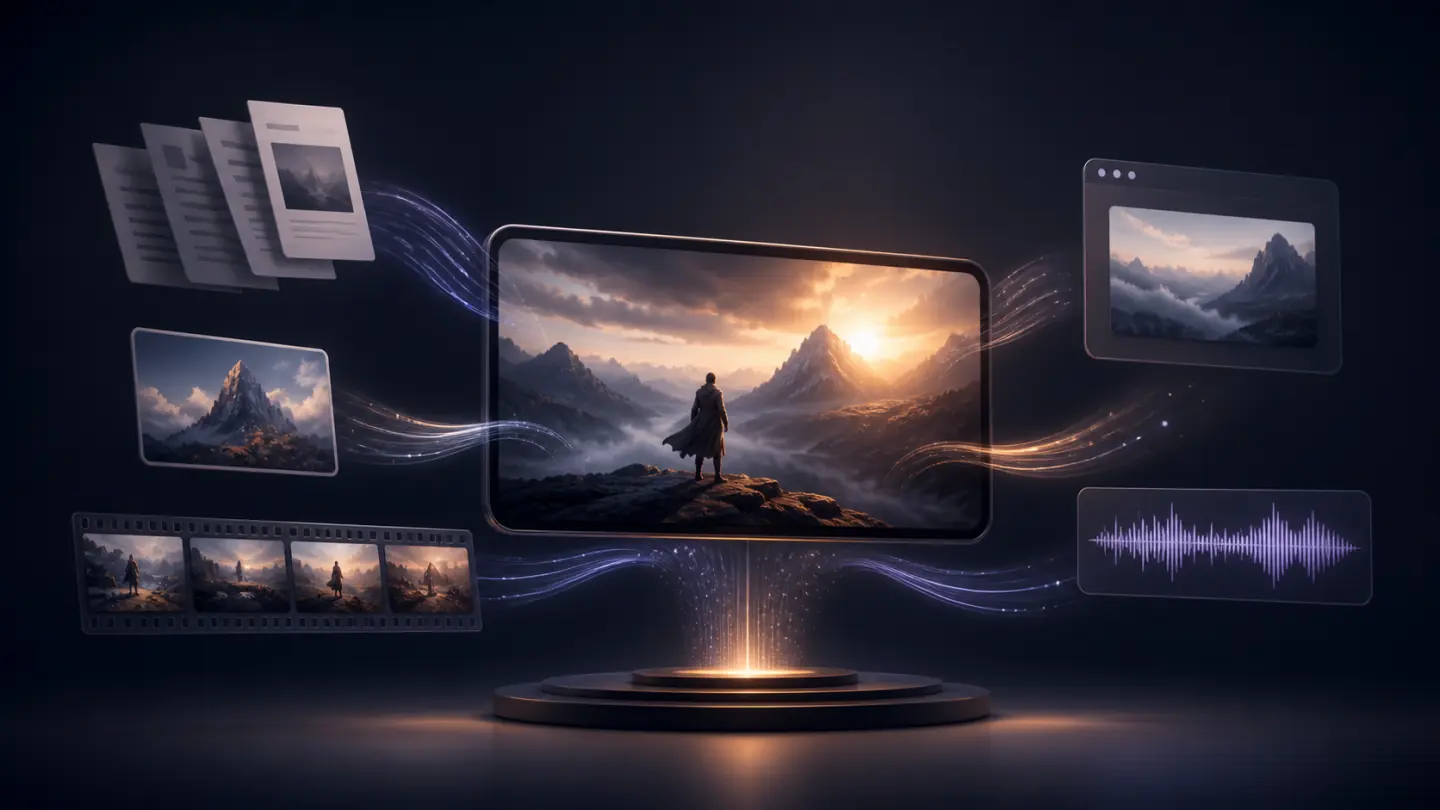
Three Ways Wan 3.0 Expands Your Creative Workflow
Wan 3.0 is designed around practical production inputs, not prompt writing alone. Start with a longer story, transform existing materials, or use reference media to keep the result aligned with your intent.
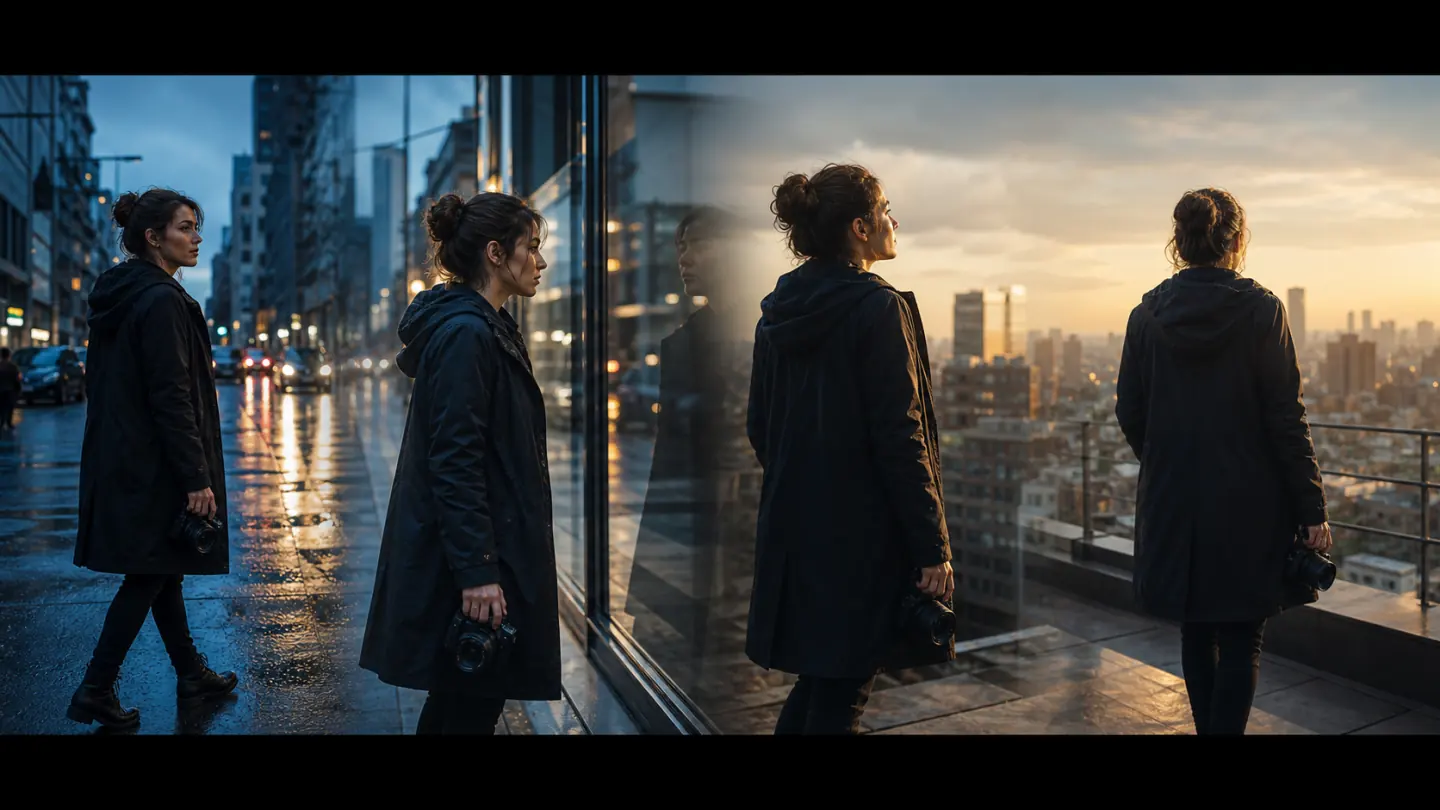
Create a Longer Story with Wan 3.0
Build a video up to 30 seconds without stitching together several unrelated short generations. Give Wan 3.0 a clear beginning, a focused sequence of actions, and a deliberate ending. The longer window gives product reveals, tutorials, visual narratives, and campaign scenes more room to develop while keeping the creative direction inside one request.
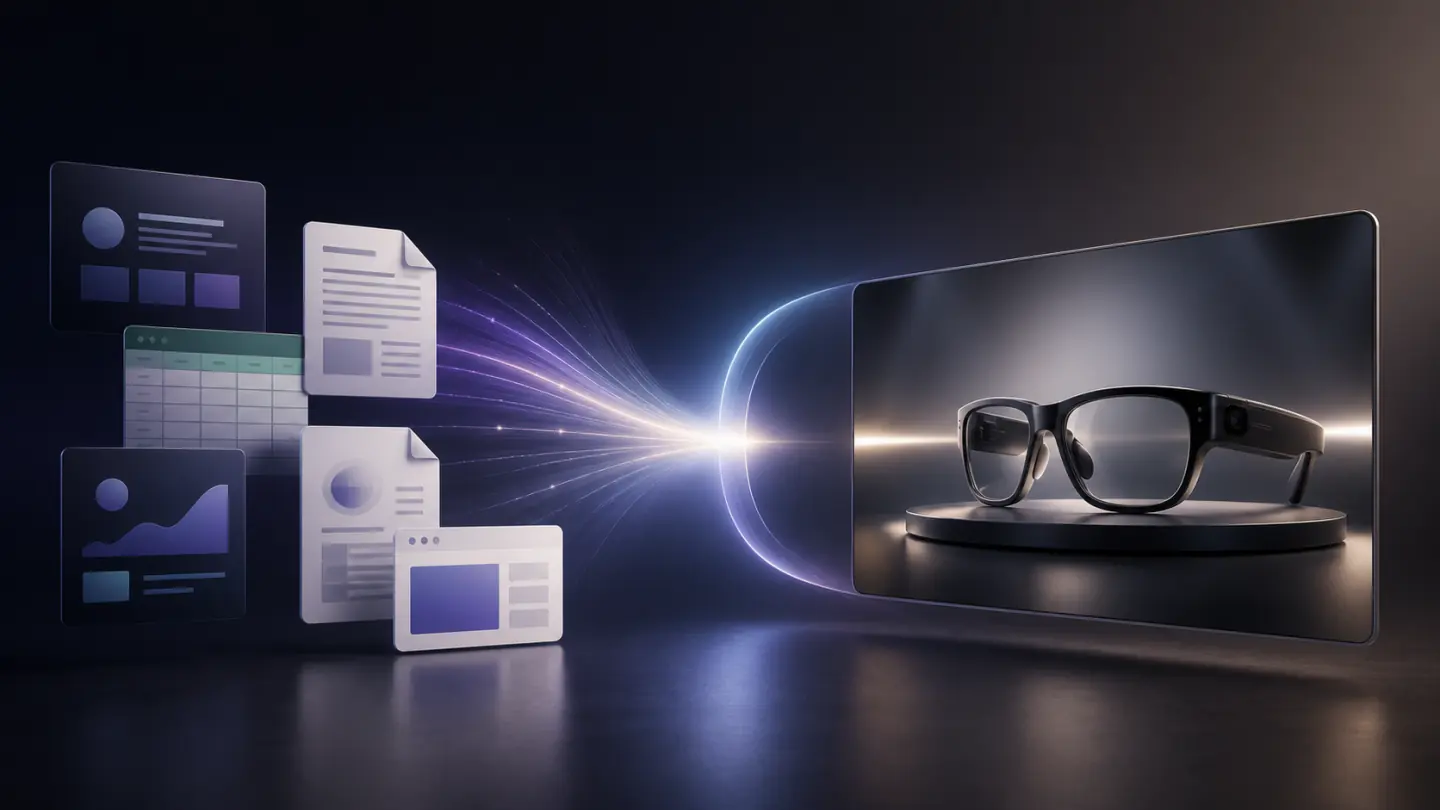
Turn Files and Web Pages into Wan 3.0 Video Briefs
Use a presentation, document, spreadsheet, PDF, plain-text file, or web link as source material. Wan 3.0 can read the supplied material and use it with your prompt to shape a product film, explainer, campaign concept, or visual summary. This workflow helps you start from approved information instead of rewriting every detail into a short prompt.
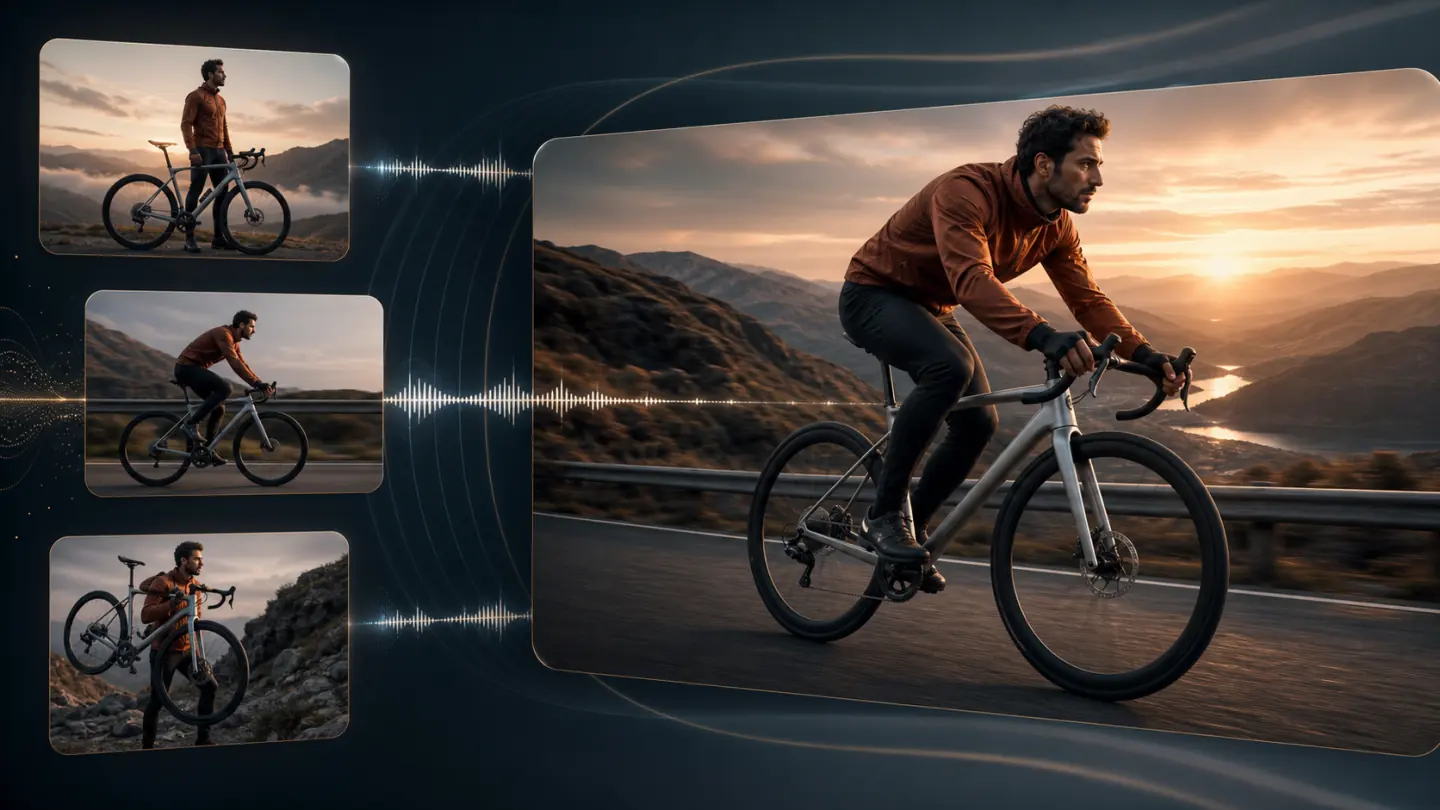
Guide Consistent Sound and Visuals with Wan 3.0
Combine visual references, motion references, and audio guidance so the model understands more than a written scene description. Wan 3.0 is intended to preserve recognizable subjects, support expressive characters, and produce matching sound. Reference-led creation is useful when a person, product, environment, or acoustic mood must stay connected to existing creative assets.
Choose the Right Wan 3.0 Starting Point
Wan 3.0 supports several ways to begin. Choose the workflow that matches the material you already have and the amount of control your project needs.
Wan 3.0 Text to Video
Start from a written idea when you need an original scene. Describe the subject, setting, chronological action, camera movement, lighting, visual style, and sound. Wan 3.0 can turn the complete direction into a video rather than a single static composition.
Best for concept films, social hooks, campaign ideas, establishing shots, and original visual storytelling.
Wan 3.0 Image to Video
Upload a starting image to lock composition, identity, product shape, or art direction. Add an optional ending frame when the final state matters. Tell Wan 3.0 what should move, what must remain stable, and how the camera should travel.
Best for product animation, portrait motion, poster animation, visual campaigns, and controlled transitions.
Wan 3.0 Reference and File Creation
Bring images, videos, audio, documents, slides, spreadsheets, PDFs, or links into one creative brief. Wan 3.0 can use these sources to inform identity, movement, sound, information, and style without forcing every detail into one paragraph.
Best for branded explainers, consistent characters, product films, training content, and asset-led campaigns.
How to Prepare a Video for Wan 3.0
Use this four-step workflow to prepare stronger inputs now and move smoothly into Wan 3.0 when Bananai access becomes available.
1. Choose a clear creation mode
Decide whether the model should invent the scene from text, animate a controlled image, follow reference media, or translate a file into video. One clear starting mode keeps the request focused.
2. Collect only useful references
Choose images, clips, audio, or files that communicate distinct information. Each reference should have a clear job, such as identity, motion, product detail, sound, or approved facts.
3. Write the story in time order
Describe what viewers see first, what changes next, how the camera moves, and where the video ends. Add preservation rules for details that cannot drift.
4. Match settings to the destination
Choose 480p, 720p, or 1080p, set a 2-to-30-second duration, and select a horizontal, square, or vertical ratio. Review the result and simplify any overloaded instruction before regenerating.
Wan 3.0 Video Specifications
These Wan 3.0 details come from the public beta model page and API documentation. Architecture, parameter count, frame rate, and open-weight plans have not been officially published.
2 to 30 Seconds
The model supports integer output duration from 2 to 30 seconds without video input. With video input, the input and output duration together cannot exceed 30 seconds.
480p, 720p, and 1080p
Select a resolution tier for previews, web publishing, or higher-detail delivery. Public beta pricing increases with the chosen resolution and generated duration.
Flexible Publishing Ratios
Wan 3.0 supports adaptive output plus 16:9, 4:3, 1:1, 3:4, and 9:16 ratios for desktop, presentation, square, and mobile formats.
20,000-Character Prompts
Write detailed English or Chinese production direction up to 20,000 characters. Wan 3.0 can use numbered image and video references inside the prompt.
Native Audio by Default
Wan 3.0 includes an audio track by default and can also create a silent video. Current public pricing is unchanged when audio output is disabled.
Live KIE API Access
Bananai now submits Wan 3.0 generation jobs to the production KIE task API and follows their progress through status polling.
Write Better Prompts for Wan 3.0
A useful Wan 3.0 prompt reads like a concise production brief. Give every sentence a job and describe visible change instead of stacking unrelated adjectives.
Define the subject and setting
Tell Wan 3.0 who or what appears, where the action happens, the time of day, and the visual anchors viewers should recognize immediately.
Describe chronological action
Write the opening state, main action, transition, and ending. The longer generation window gives you more time, but every stage should still serve one coherent idea.
Direct a readable camera path
Choose a controlled pan, dolly, tracking move, crane reveal, orbit, or static shot. Wan 3.0 performs better with purposeful camera direction than several conflicting moves.
State preservation rules
Specify which face, outfit, product geometry, color, logo placement, environment, or framing must remain stable throughout the video.
Layer the sound direction
Describe foreground effects, environmental ambience, dialogue intent, and music mood. Connect audio events to visible actions by making their timing explicit.
Respect the selected duration
Use one clear beat for a short clip and reserve multi-stage action for longer output. Remove any instruction that cannot be shown in the available time.
Where Wan 3.0 Can Help Creators
Wan 3.0 fits projects where source material, visual continuity, native sound, or a longer narrative matters more than producing a disposable motion test.
Product Films
Provide product images, approved slides, and a structured reveal so materials, shape, features, and the final packshot remain central to the story.
Marketing Campaigns
Turn a campaign brief or web page into horizontal, square, and vertical concepts for review before committing to production.
Character Stories
Reference-led creation can support recognizable faces, wardrobe, voice direction, and environments across a longer character-focused sequence.
Educational Explainers
Provide a document, presentation, PDF, or page as source material, then request a focused visual explanation for learners or customers.
Storyboards and Previsualization
Explore scene rhythm, camera progression, key moments, and sound before a live shoot, animation pass, or client presentation.
Music and Performance Concepts
Combine visual references with audio direction to explore movement, editing rhythm, performance staging, and atmospheric sound in one draft.
Wan 3.0 AI Video Generator FAQ
Clear answers about Wan 3.0 access, capabilities, inputs, output settings, and the current Bananai workflow.
Prepare Your Next Video for Wan 3.0
Start refining prompts and reference materials with the available Wan workflow today. When Wan 3.0 becomes available on Bananai, you will already have a clear story, controlled inputs, and production-ready creative direction.