
GPT Image 2.5 AI Image Generator
 GPT Image 2.5 AI Image Generator
What Is GPT Image 2.5?
The Next-Generation Multimodal AI Image Engine for High-Precision Visuals, In-Image Text & Creative Storytelling
GPT Image 2.5 represents a transformative leap in generative visual synthesis. Engineered to bridge the gap between creative imagination and commercial execution, GPT Image 2.5 delivers impeccable in-image typography, nuanced spatial composition, and lifelike physical textures. Whether transforming elaborate narrative briefs into photorealistic marketing posters or using multiple reference assets to lock down character identity, GPT Image 2.5 empowers artists, designers, and growth teams to produce commercial-grade visual assets with unprecedented speed on Bananai.
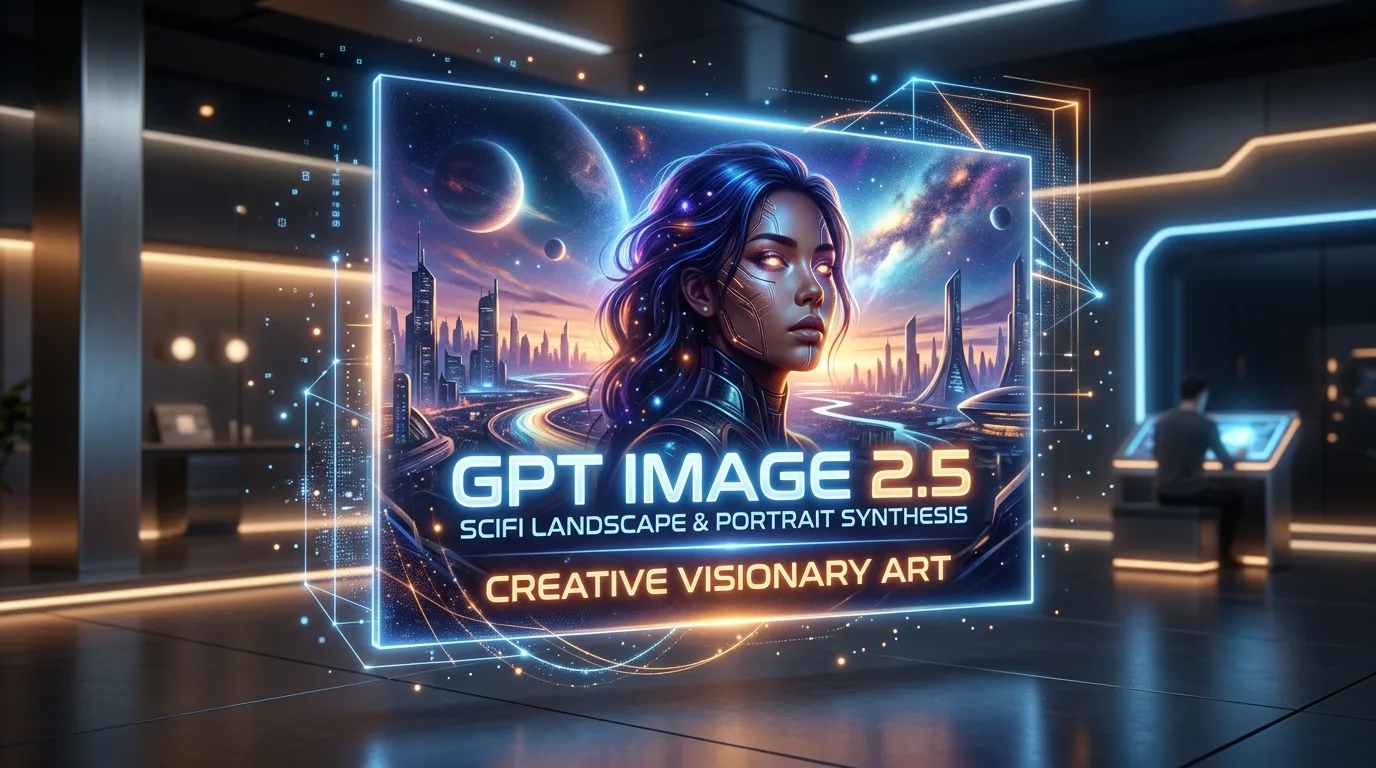
Three Defining Innovations Built into GPT Image 2.5
Discover how GPT Image 2.5 redefines creative boundaries by uniting graphic design precision, multi-image conditioning, and authentic optical rendering into one streamlined studio engine.
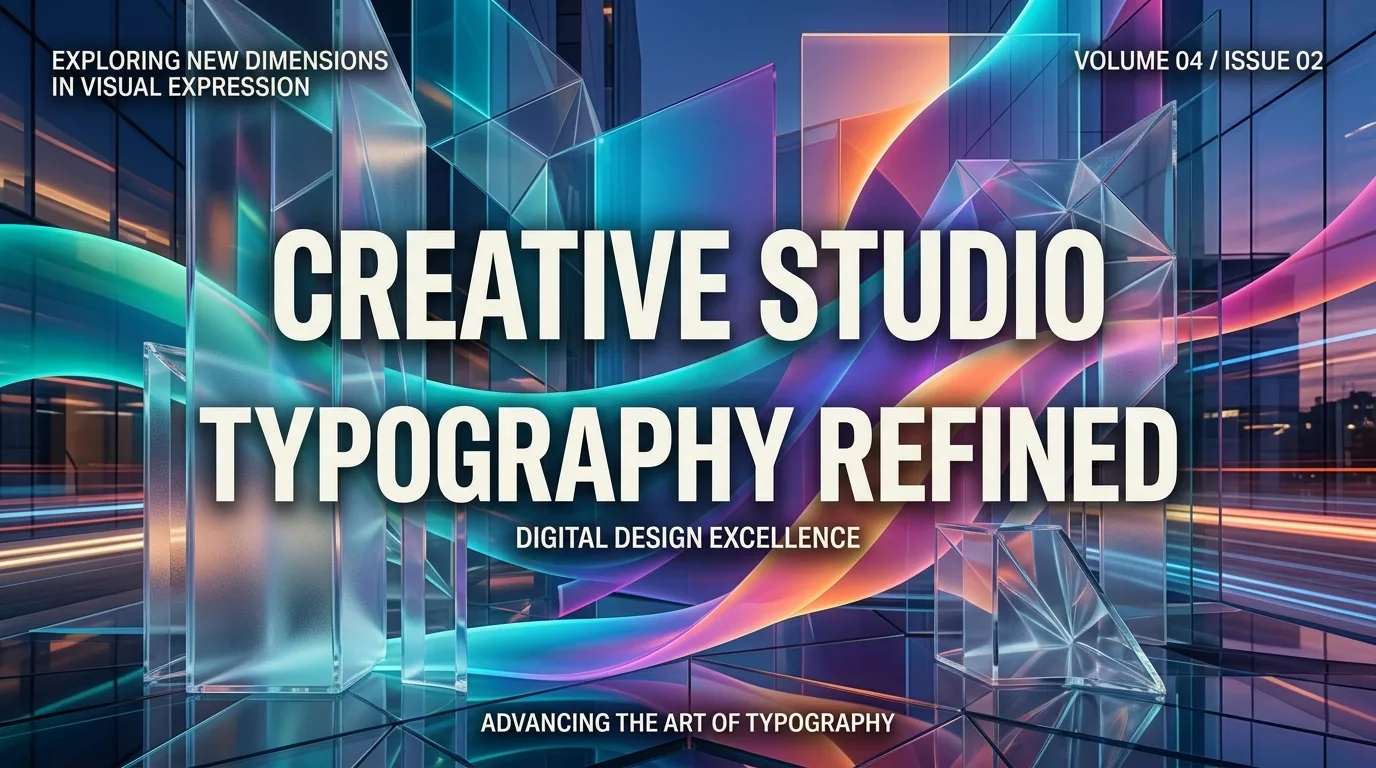
Flawless In-Image Typography & Editorial Layouts
Generating legible, beautiful text inside AI artwork has historically been a major challenge, but GPT Image 2.5 masters textual synthesis. From bold magazine covers and event posters to sleek product packaging and UI mockups, the model accurately renders headlines, subheadings, and geometric letterforms. Every character in GPT Image 2.5 exhibits clean kerning, realistic surface wrapping, and natural perspective distortion.
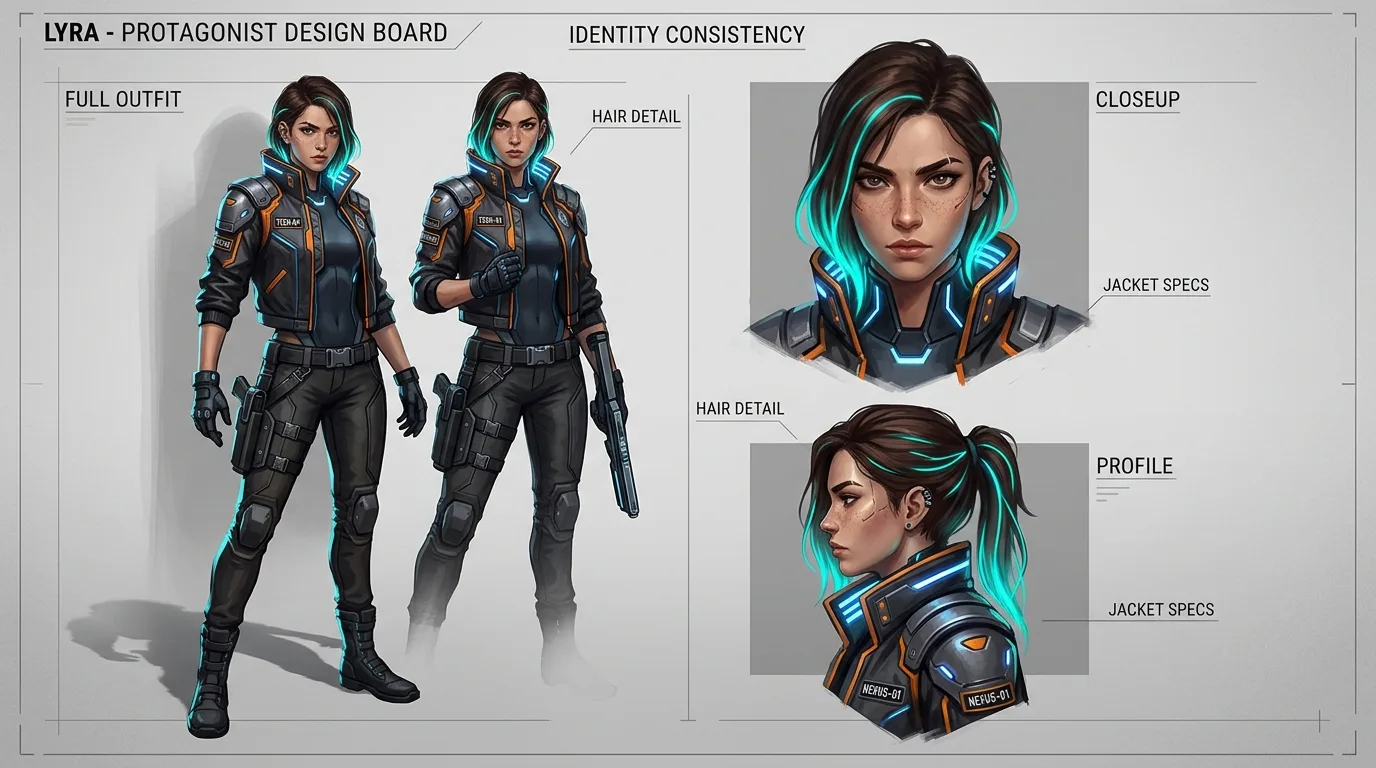
Multi-Reference Conditioning & Character Identity Consistency
Maintaining character and brand continuity across an entire campaign is seamless with GPT Image 2.5. By providing reference images, creators can guide the generator to preserve facial contours, hairstyle details, clothing textures, and color themes across diverse angles and lighting environments. GPT Image 2.5 understands semantic visual relationships, allowing you to remix poses, camera distances, and surroundings without drifting away from your core identity.
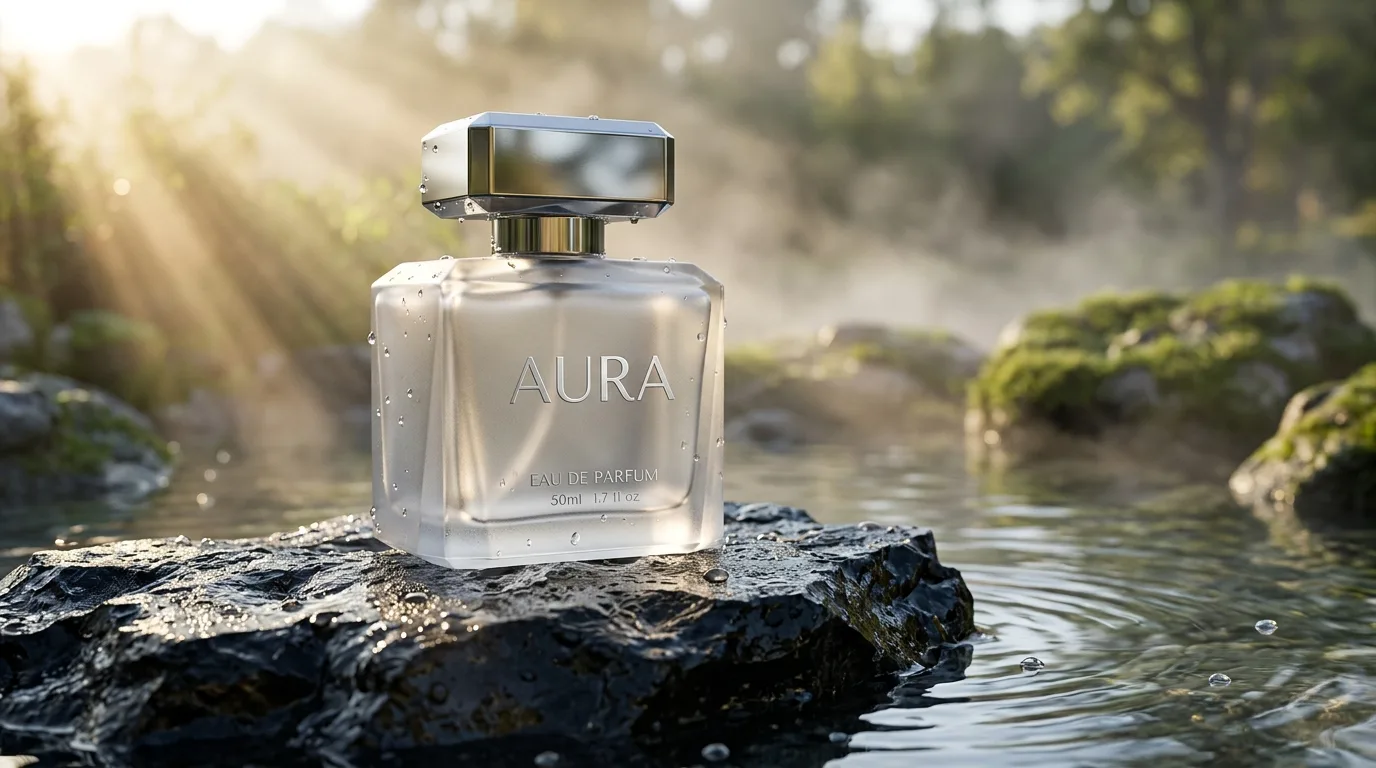
Photorealistic Volumetric Lighting, Textures & Spatial Coherence
GPT Image 2.5 simulates light physics with astonishing realism. Surfaces generated by the model exhibit authentic micro-textures—such as porous concrete, tactile woven fabric, translucent frosted glass, and delicate skin tones. Ray-traced reflections, subsurface scattering, and atmospheric mist render naturally in GPT Image 2.5, ensuring your graphics feel tangible, three-dimensional, and ready for high-resolution print or digital display.
Tailor Your Creative Process with GPT Image 2.5
Choose between three versatile visual generation workflows in GPT Image 2.5, each engineered to address specific commercial and artistic production demands.
Text-to-Image Generation
Turn imaginative natural language descriptions into breathtaking, production-ready visuals with GPT Image 2.5. Specify photographic camera lens types, atmospheric mood, lighting setups, color grading palettes, and exact typography to render your vision from scratch.
Best for concept art, editorial illustrations, marketing banners, cinematic wallpaper, and creative brainstorming.
Image-to-Image & Multi-Reference
Upload reference visuals to steer GPT Image 2.5 while preserving key visual attributes. Feed character turnarounds, pose sketches, or color palettes into the model to transfer style, adjust compositional arrangements, or evolve product mockups into new photographic environments.
Best for consistent character design, brand visual identity campaigns, product repackaging, and artistic style transfer.
Commercial Design & Typography
Build high-impact graphic design pieces containing legible slogans, logo placements, and badges directly inside GPT Image 2.5. Combine geometric compositional prompts with copy strings to create social ad banners, book covers, and packaging without needing post-processing rasterization.
Best for social media ad creatives, event posters, album covers, packaging prototypes, and banner layouts.
How to Generate Images with GPT Image 2.5 on Bananai
Follow four simple steps to bring your creative prompts to life using the GPT Image 2.5 studio.
1. Choose Your Generation Mode
Navigate to the studio above and choose Text-to-Image for brand new artwork or Image-to-Image for reference-guided generation in GPT Image 2.5.
2. Attach Reference Images (Optional)
If you require character consistency or specific style constraints, upload reference images for GPT Image 2.5 to analyze and maintain during generation.
3. Write a Descriptive Production Prompt
Craft your prompt with clear subject details, lighting cues, spatial composition, and exact text strings in quotes for GPT Image 2.5 to render precisely.
4. Select Aspect Ratio & Render
Choose your desired aspect ratio (16:9, 1:1, 9:16, 4:3, 3:2, 21:9) and target resolution (1K, 2K, 4K), then click generate to let GPT Image 2.5 process your artwork.
Technical Capabilities of the GPT Image 2.5 Engine
Review the core performance metrics, supported frame sizes, and generation limits built into GPT Image 2.5 on Bananai.
1K, 2K & 4K Ultra HD Output
GPT Image 2.5 supports multi-tier resolution options ranging from rapid 1K drafts up to razor-sharp 4K Ultra HD renders suited for billboard printing and digital campaigns.
Comprehensive Aspect Ratios
Easily produce content for any channel: 16:9 landscape, 9:16 vertical stories, 1:1 square posts, 4:3 and 3:2 classic photography, plus cinematic 21:9 ultra-wide formats with GPT Image 2.5.
10,000 Character Prompt Buffer
Describe highly sophisticated scenes with extensive prompt flexibility. GPT Image 2.5 accepts comprehensive briefs including character traits, optical specifications, color codes, and in-image copy.
Up to 16 Reference Image Inputs
In multi-reference mode, GPT Image 2.5 accepts up to 16 simultaneous reference images, allowing creators to cross-reference face identity, costume textures, lighting references, and background palettes.
Asynchronous Cloud Rendering
All rendering tasks in GPT Image 2.5 are processed on enterprise-grade GPU clusters, ensuring fast delivery times and reliable generation queues even during peak creative hours.
Commercial Royalty-Free Rights
Visuals generated with GPT Image 2.5 on Bananai are fully cleared for commercial deployment, including advertising campaigns, e-commerce storefronts, game development, and printed media.
Mastering the GPT Image 2.5 Prompt Structure
Maximize the visual fidelity and compositional accuracy of GPT Image 2.5 by adopting these battle-tested prompting patterns.
Exact In-Image Text Cues
When asking GPT Image 2.5 to display text, always wrap target words in quotation marks and state placement clearly (e.g., 'A modern coffee bag with bold serif text reading "AURORA ROAST" centered on the label').
Pro tip: Mention typography style, color contrast, and font weight to help the model render optimal typography.
Camera Lenses & Lighting Dynamics
Direct GPT Image 2.5 like a professional cinematographer by specifying focal lengths (e.g., 35mm wide, 85mm portrait), aperture settings (f/1.4 shallow focus), and lighting style (rim light, volumetric golden hour).
Pro tip: Mentioning specific optical characteristics guides the model to avoid flat, artificial rendering.
Spatial Staging & Rule of Thirds
Structure your brief with explicit foreground, midground, and background descriptions to create depth (e.g., 'Foreground: wet reflective stones; Midground: futuristic vehicle; Background: glowing skyline') in GPT Image 2.5.
Pro tip: Clean spatial layering helps organize complex multi-subject interactions flawlessly.
Material Textures & Color Harmonies
Mention tactile descriptors such as 'brushed matte aluminum', 'translucent amber resin', 'handcrafted ceramic glaze', or 'subsurface skin glow' to leverage the high micro-detail rendering in GPT Image 2.5.
Pro tip: Specify complementary or triadic color harmonies to establish clear palette guidelines.
Multi-Reference Role Allocation
When uploading references in GPT Image 2.5, assign distinct roles to each input in your prompt (e.g., 'Adopt the character face from Image 1, use the jacket style from Image 2, and apply the neon lighting mood from Image 3').
Pro tip: Explicit indexing allows the engine to extract features cleanly without stylistic confusion.
Negative Prompting & Clean Isolation
Specify unwanted elements or styling artifacts directly in your brief to guide GPT Image 2.5 toward clean compositions, such as 'clean studio backdrop, no clutter, no extra watermark, balanced negative space'.
Pro tip: Clear negative boundaries prevent overcrowded compositions.
Where GPT Image 2.5 Accelerates Creative Production
From commercial advertising campaigns to indie gaming concept art, explore how creative teams leverage GPT Image 2.5 every day.
Advertising & Social Ad Creatives
Generate thumb-stopping promotional posters and social banners with embedded headlines and product imagery using GPT Image 2.5. Rapidly test dozens of creative variations for Meta, TikTok, and Google ad campaigns.
E-Commerce Product Staging & Packaging
Place product prototypes in high-end studio environments with realistic reflections, shadows, and packaging labels using GPT Image 2.5, saving thousands in physical photography production.
Character Design & Concept IP Sheets
Utilize GPT Image 2.5 multi-reference conditioning to design recurring characters across varying poses, emotional expressions, and costumes for comics, graphic novels, and animation storyboards.
Book Covers & Editorial Illustrations
Produce captivating book jackets, magazine feature artwork, and podcast covers where artistic storytelling and legible typography merge seamlessly via GPT Image 2.5.
Game Assets & Environment Design
Accelerate pre-production worldbuilding by visualizing sprawling fantasy kingdoms, sci-fi interiors, and futuristic vehicles with architectural accuracy in GPT Image 2.5.
UI/UX Concept Mockups & Visual Assets
Create futuristic application screens, dashboard illustrations, and marketing website hero graphics with crisp geometric icons and typography powered by GPT Image 2.5.
Frequently Asked Questions About GPT Image 2.5
Find answers to common questions about GPT Image 2.5 features, generation capabilities, resolution modes, and commercial licensing on Bananai.
Start Creating with **GPT Image 2.5** on Bananai
Bring your visual ideas to life with GPT Image 2.5. Generate photorealistic imagery, crisp typography, and consistent character designs in seconds.