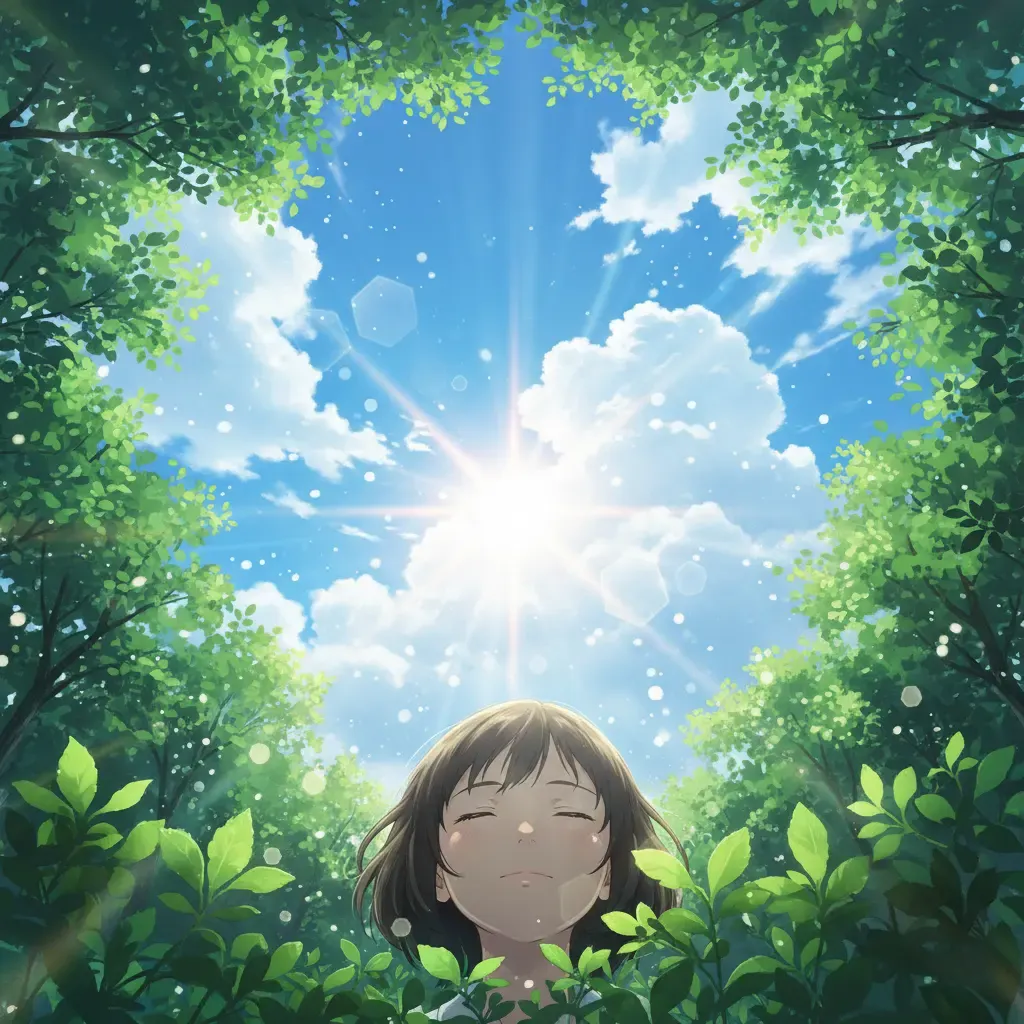
AI Manga Art Generator - Create Manga Art Online
AI Manga Art Generator for Characters, Panels, Covers, and Story Concepts
Turn an original character or scene idea into expressive manga-style artwork with ink lines, screentones, cinematic framing, and clear visual direction.
Create manga art for character concepts, black-and-white scene illustrations, cover drafts, avatars, visual novel ideas, storyboard beats, and social content. With the AI Manga Art Generator, describe an original character, action, emotion, setting, camera angle, and ink treatment in one prompt, then refine the image until it fits your story. Explore shonen action, shoujo romance, seinen atmosphere, chibi reactions, slice-of-life moments, cyberpunk scenes, or clean character sheets. For sequential work, establish a character's recognizable hair, clothing, accessories, and palette before making additional scene concepts. The AI Manga Art Generator helps creators move from written idea to manga-style visual direction faster, while leaving final page layout, lettering, and continuity review in your hands.
What You Can Create With This AI Manga Art Generator
Make manga-style images for the stage of your story that needs a visual: a lead character concept, a charged confrontation, a gentle slice-of-life beat, a cover draft, or a storyboard reference. The AI Manga Art Generator lets you define genre, emotion, shot type, linework, screentone, and motion effects instead of settling for a generic anime image.
AI Manga Art Generator for manga creators and writers
- Visualize original protagonists, rivals, costumes, props, and key emotional moments while developing a manga pitch or chapter outline
- Generate cover concepts, teaser portraits, profile art, and dramatic scene images for sharing a story idea with readers or collaborators
- Improve continuity by recording defining traits such as hairstyle, outfit details, accessories, ink weight, and screentone mood, then repeating them in each prompt
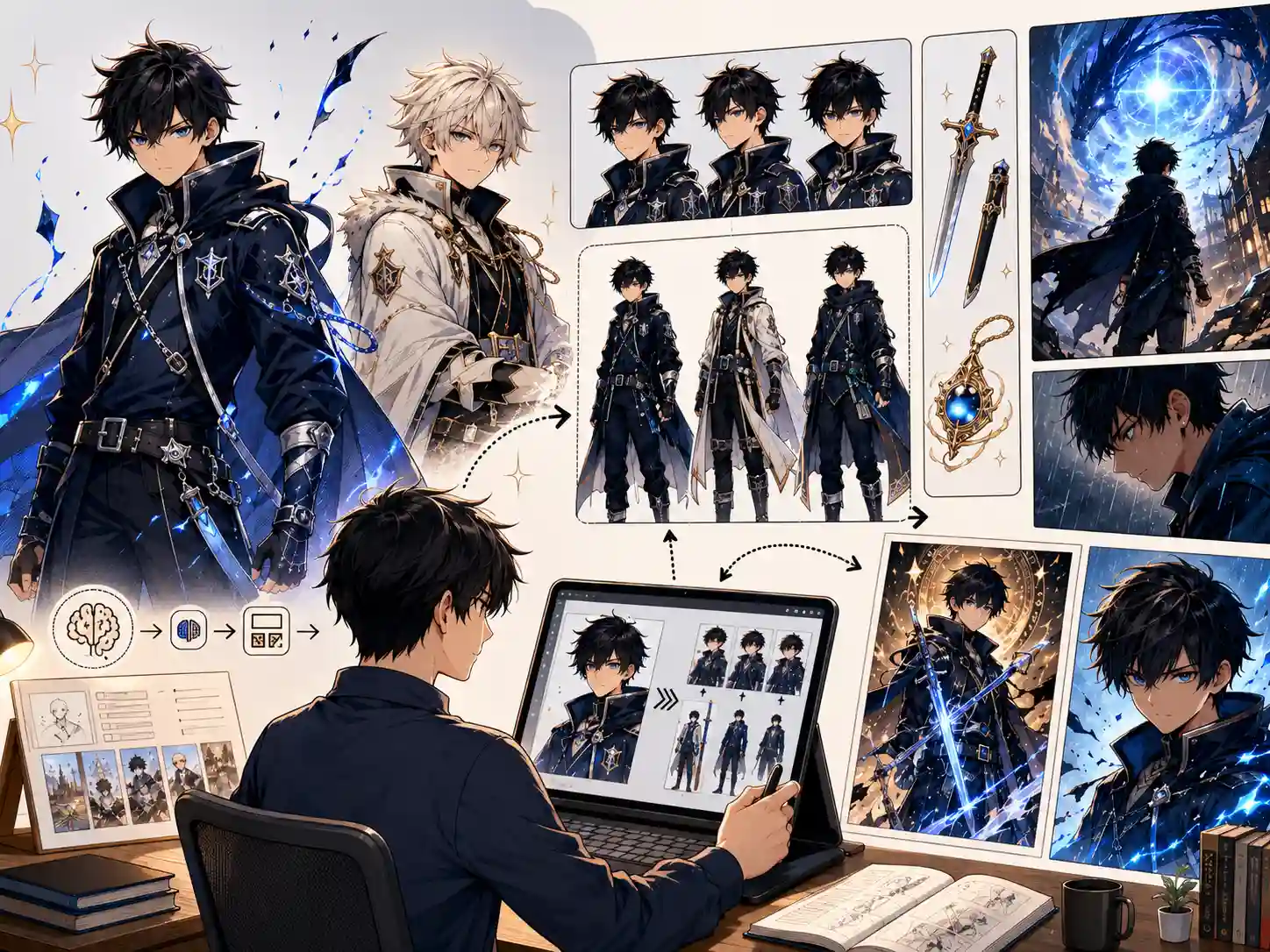
AI Manga Art Generator for character designers
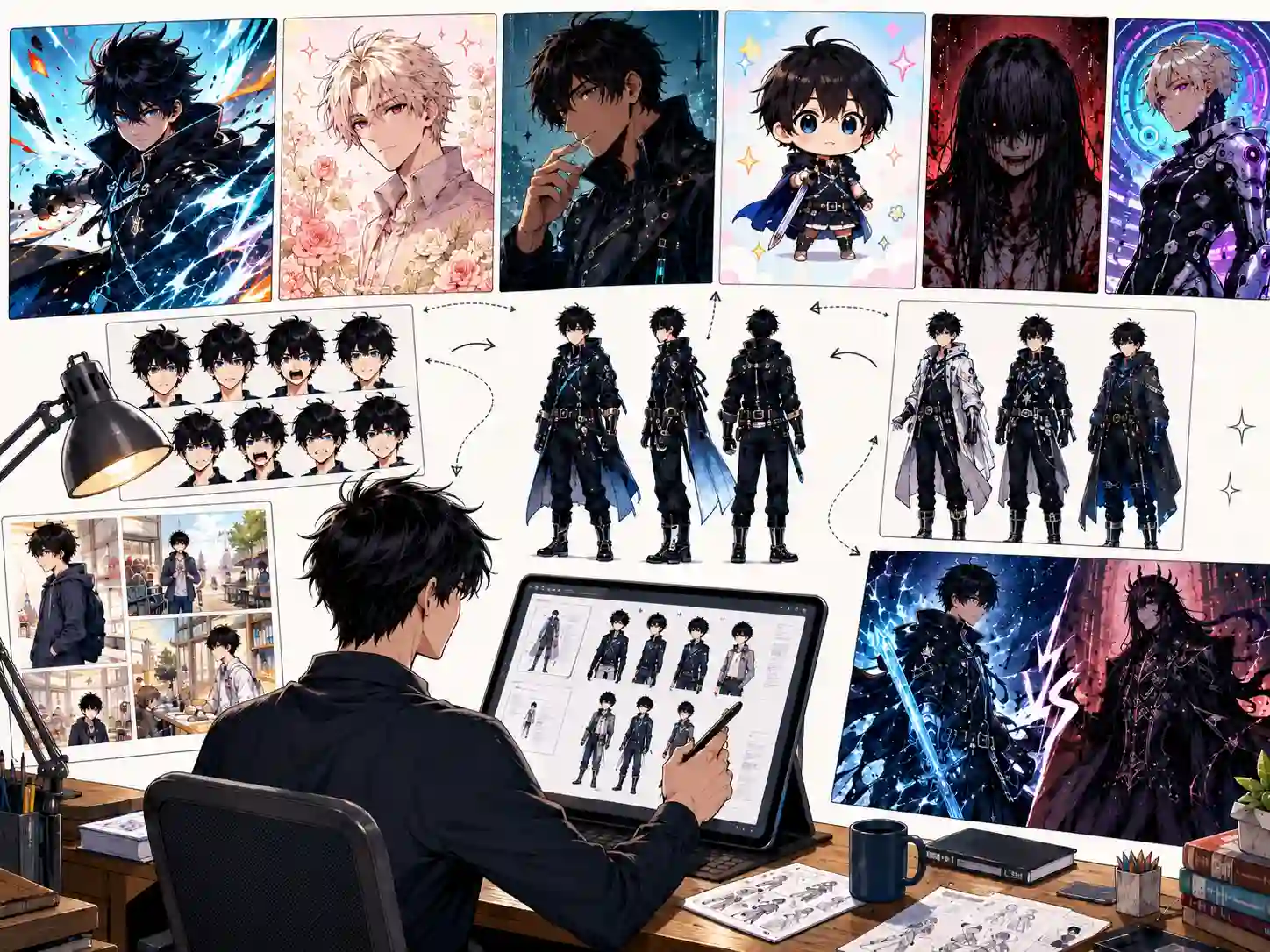
- Draft character portraits, full-body silhouettes, expression lineups, costume alternatives, and hero versus villain visual contrasts
- Compare shonen, shoujo, seinen, chibi, horror, sci-fi, fantasy, and slice-of-life directions with purposeful ink and tone instructions
- Use the AI Manga Art Generator for visual exploration, then polish anatomy, lettering, panels, and production details in your illustration workflow
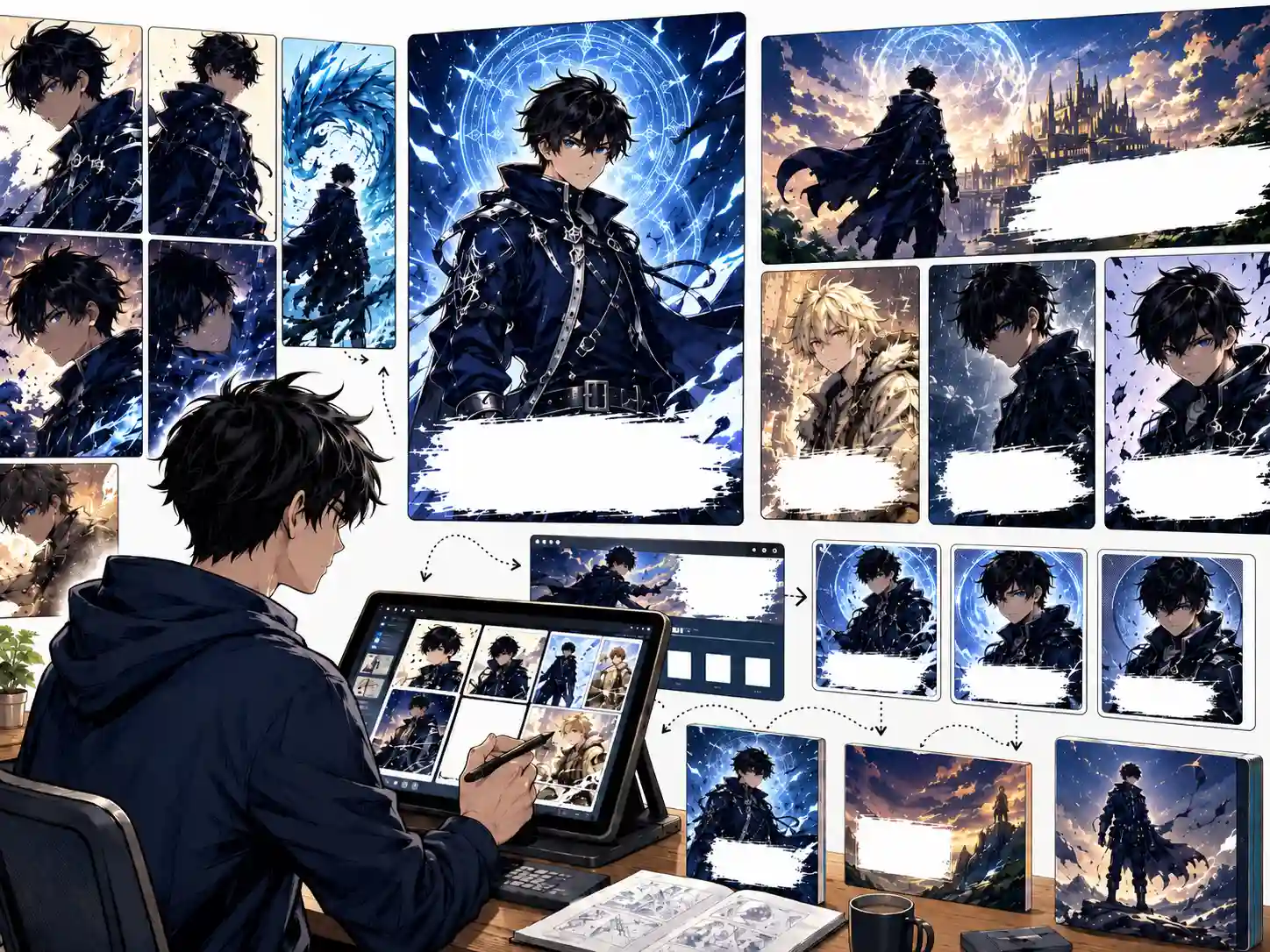
AI Manga Art Generator for cover art and social visuals
- Create manga-inspired thumbnails, promotional portraits, announcement graphics, cover mockups, and visual hooks for creator channels
- Specify portrait or landscape framing, focal character, blank title space, lighting, and contrast so an image is easier to place in a design
- Generate alternate moods and compositions with the AI Manga Art Generator before selecting an image for final typography and review
AI Manga Art Generator for storyboard planning
- Turn a scripted beat into a single panel concept by naming the location, characters, emotion, action, camera angle, and key prop
- Explore establishing shots, reaction close-ups, action impact moments, and atmospheric transitions before drawing final pages
- Keep dialogue and page assembly outside the image when readability matters: request no text, then add lettering in a layout tool
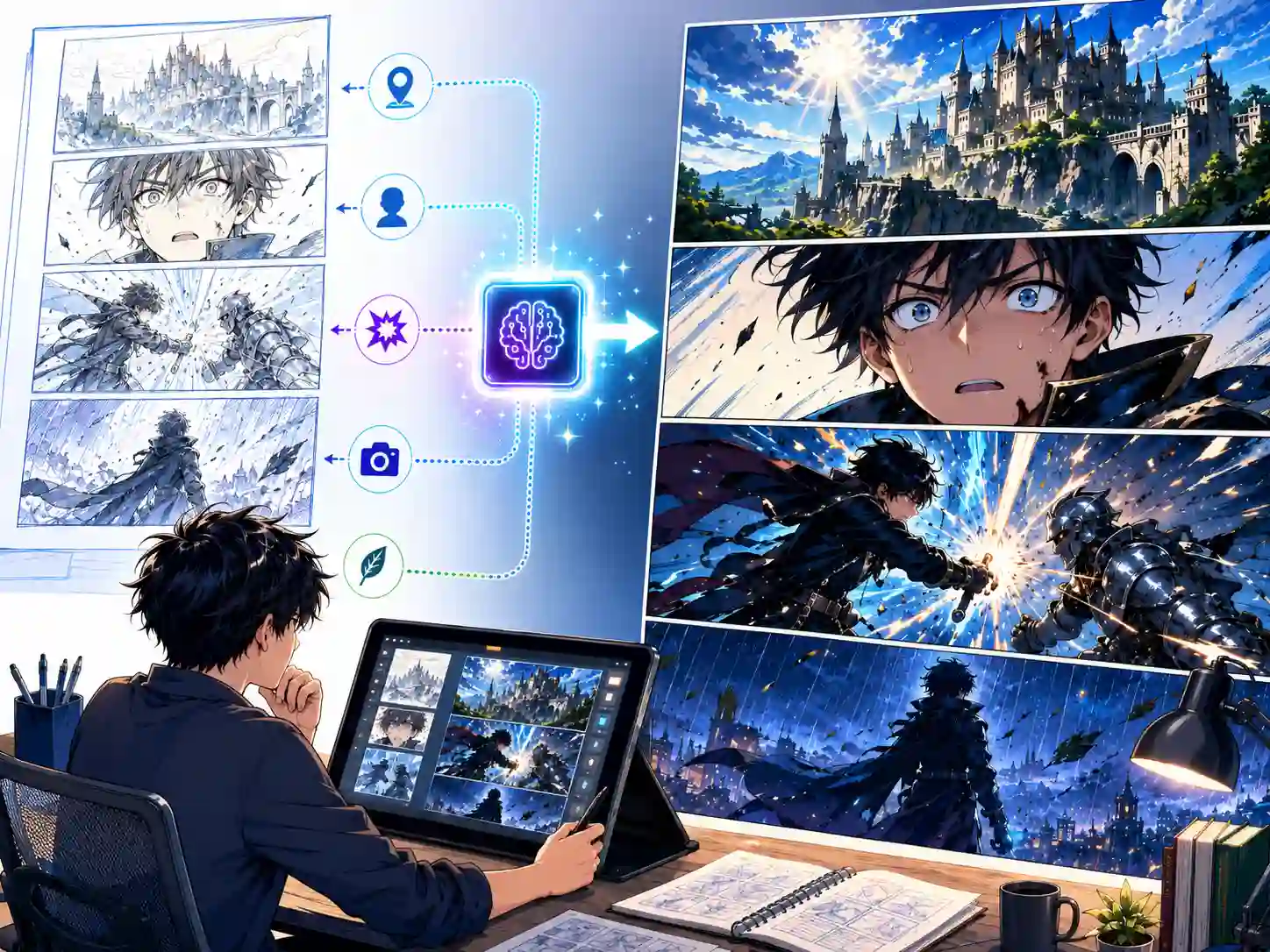
How to Use the AI Manga Art Generator
You do not need drawing experience to start. A useful manga prompt acts like a compact art direction note: it defines who is in the shot, what is happening, how the panel should feel, and which visual techniques communicate that mood.
Write a scene-directed manga prompt
Start with an original subject and action: for example, an anxious courier opening a letter on a rainy station platform. Add age, outfit, expression, setting, shot type, genre mood, and whether you want black-and-white ink, screentones, cross-hatching, or a color manga illustration.
Choose the style and generation settings
Choose the model, aspect ratio, and resolution for your target image. Portrait framing suits character art and cover drafts; landscape framing gives action or environment room. Tell the AI Manga Art Generator to leave title space or keep the image free of speech bubbles when you plan to letter it later.
Generate, review, and refine the result
Check facial expression, hands, costume details, focal point, tone density, and motion clarity. If an output is close, refine one issue at a time: stronger speed lines, lighter screentone, cleaner silhouette, wider camera shot, consistent jacket emblem, or no lettering.
Download and develop your manga concept
Save a selected AI Manga Art Generator result for character references, storyboard discussions, cover drafts, thumbnails, mood boards, pitch materials, or social previews. Review rights, originality, visual continuity, and final lettering before publishing commercial work.
Why Use This AI Manga Art Generator
Create original manga-style images with the visual language readers recognize: expressive faces, decisive linework, purposeful screentones, cinematic composition, and motion cues. The AI Manga Art Generator is useful for exploring art direction and producing individual assets before final comic production.
Text-to-Manga Art Generation
Describe an original character or moment and turn it into manga-style artwork. A prompt can define appearance, pose, emotion, environment, framing, line treatment, tone pattern, and atmosphere for a focused image.
Character Concept Exploration
Ask the AI Manga Art Generator for character portraits, expression studies, outfit concepts, chibi reactions, or a reference-style lineup. Reuse distinctive traits in later prompts to guide recognizable iterations.
Manga Genre and Ink Direction
Explore energetic shonen action, elegant shoujo romance, mature seinen atmosphere, playful chibi, horror tension, or slice-of-life calm. Describe clean line art, cross-hatching, halftone screentones, impact frames, or speed lines.
Panel Concept and Cover Drafting
Generate individual scene concepts for an establishing shot, close-up reaction, confrontation, transformation, or cover composition. Set the camera angle and reserve clean space when a later layout needs a title or dialogue.
Prompt Guidance for Continuity
For recurring characters, keep a short design brief with hair shape, facial features, clothing, accessories, proportions, and inking mood. Feed the same anchors into each AI Manga Art Generator prompt and review differences before assembling scenes.
Creator-Ready Image Assets
Use manga artwork for concept boards, cover experiments, creator posts, avatars, thumbnails, story pitches, and private previsualization. For published pages, finish panel layout, readable lettering, continuity checks, and usage review separately.
AI Manga Art Generator FAQ
Your AI Manga Art Generator Is Ready. Start Creating.
Create an original manga character, expressive portrait, action moment, cover idea, or storyboard image from a prompt. Open the AI Manga Art Generator, describe the scene and ink direction, generate a result, and refine the strongest visual for your story.